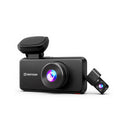
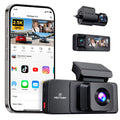
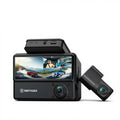
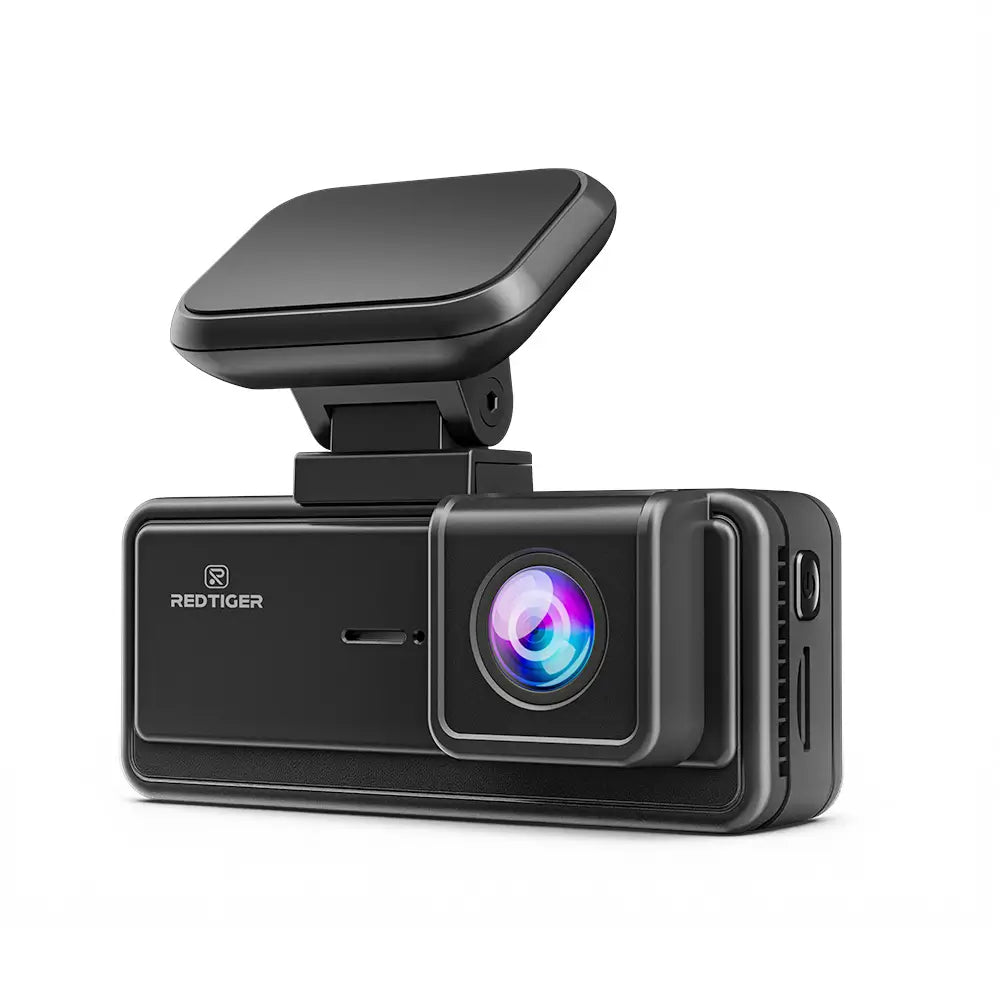
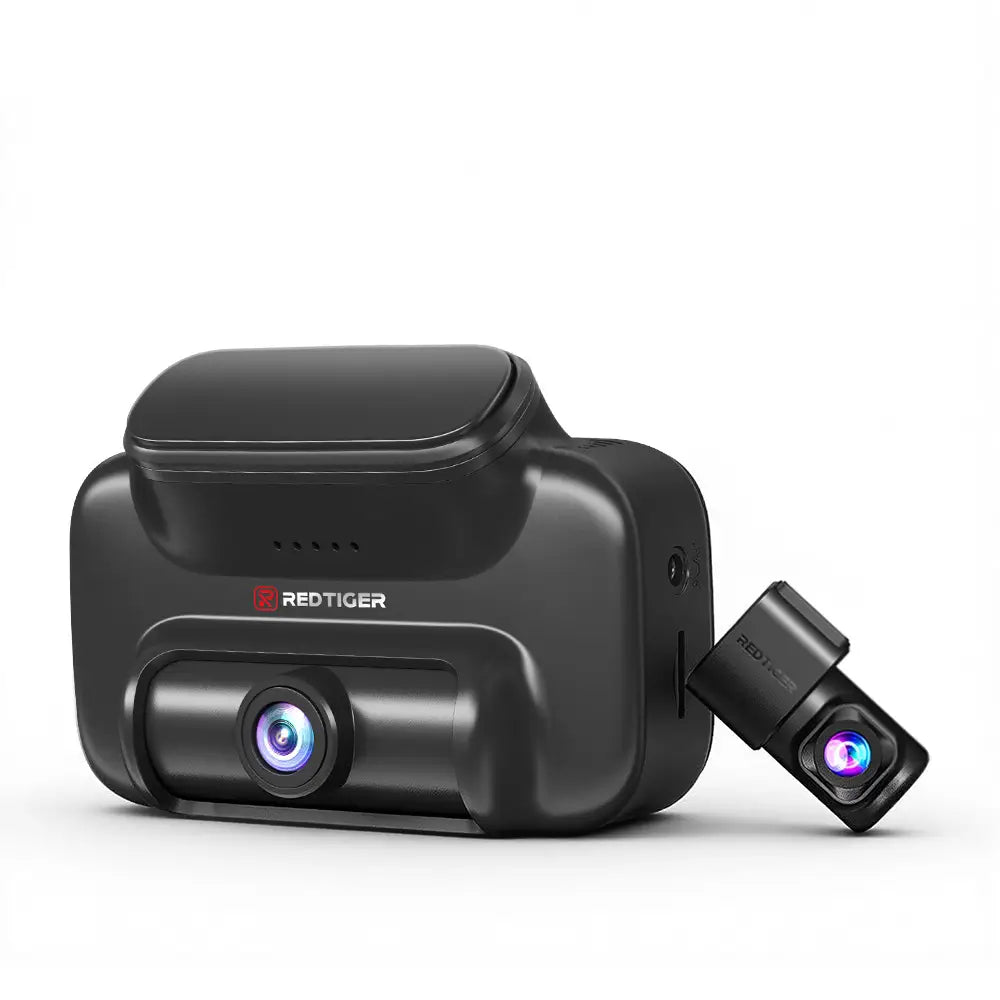
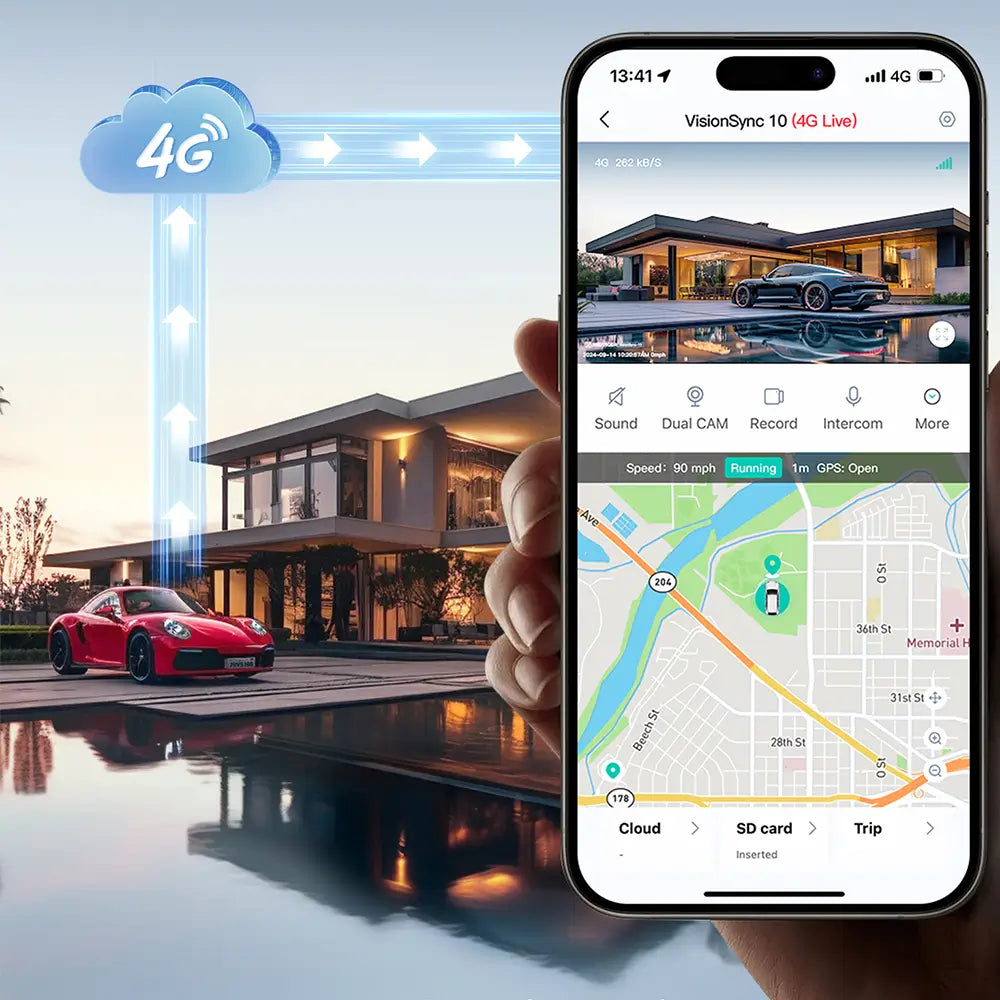
Before choosing the right model, many drivers first wonderis-dash-cam-worth-it, and understanding its value can help you make a more confident decision.
Delivers bright, clear video, day or night
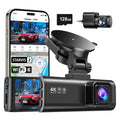
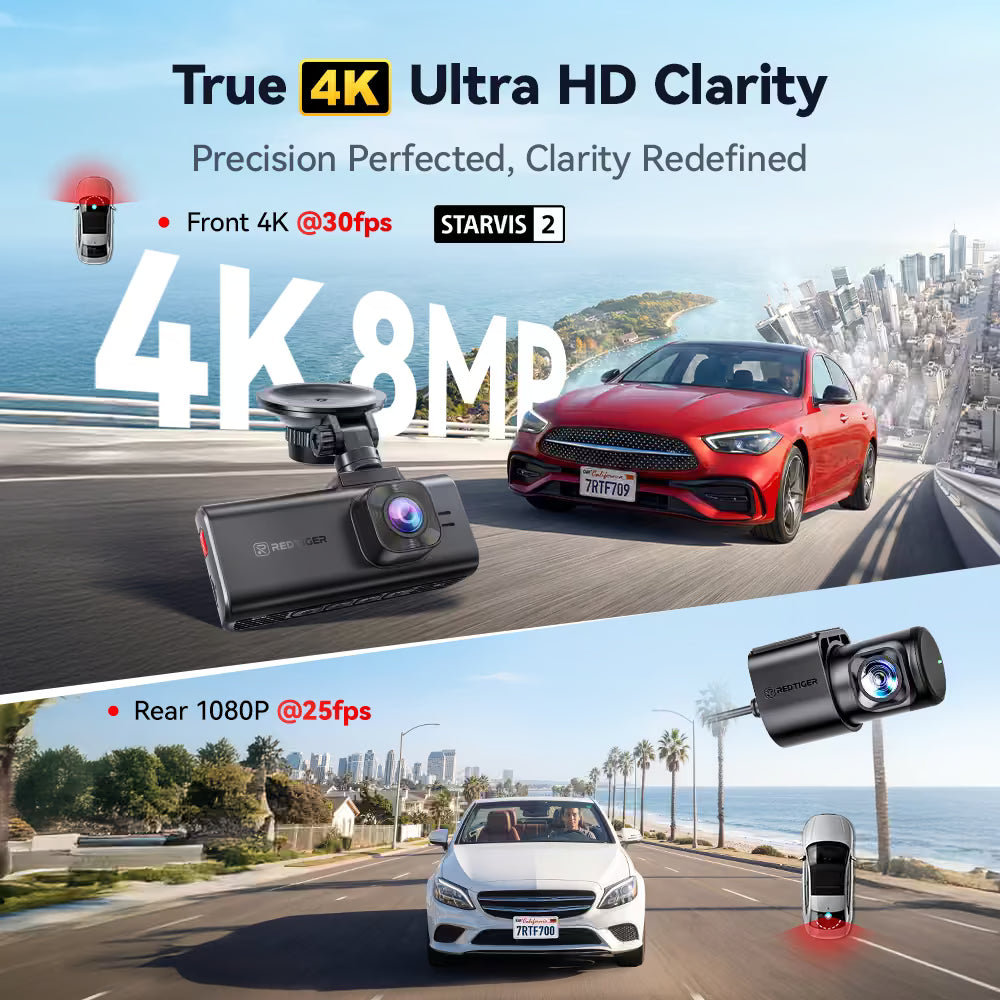
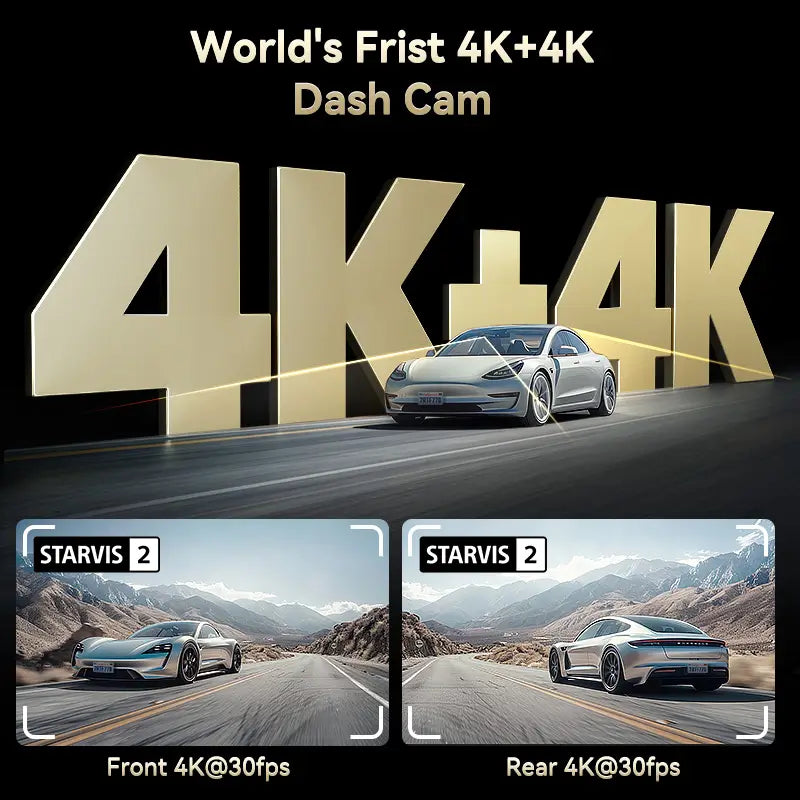
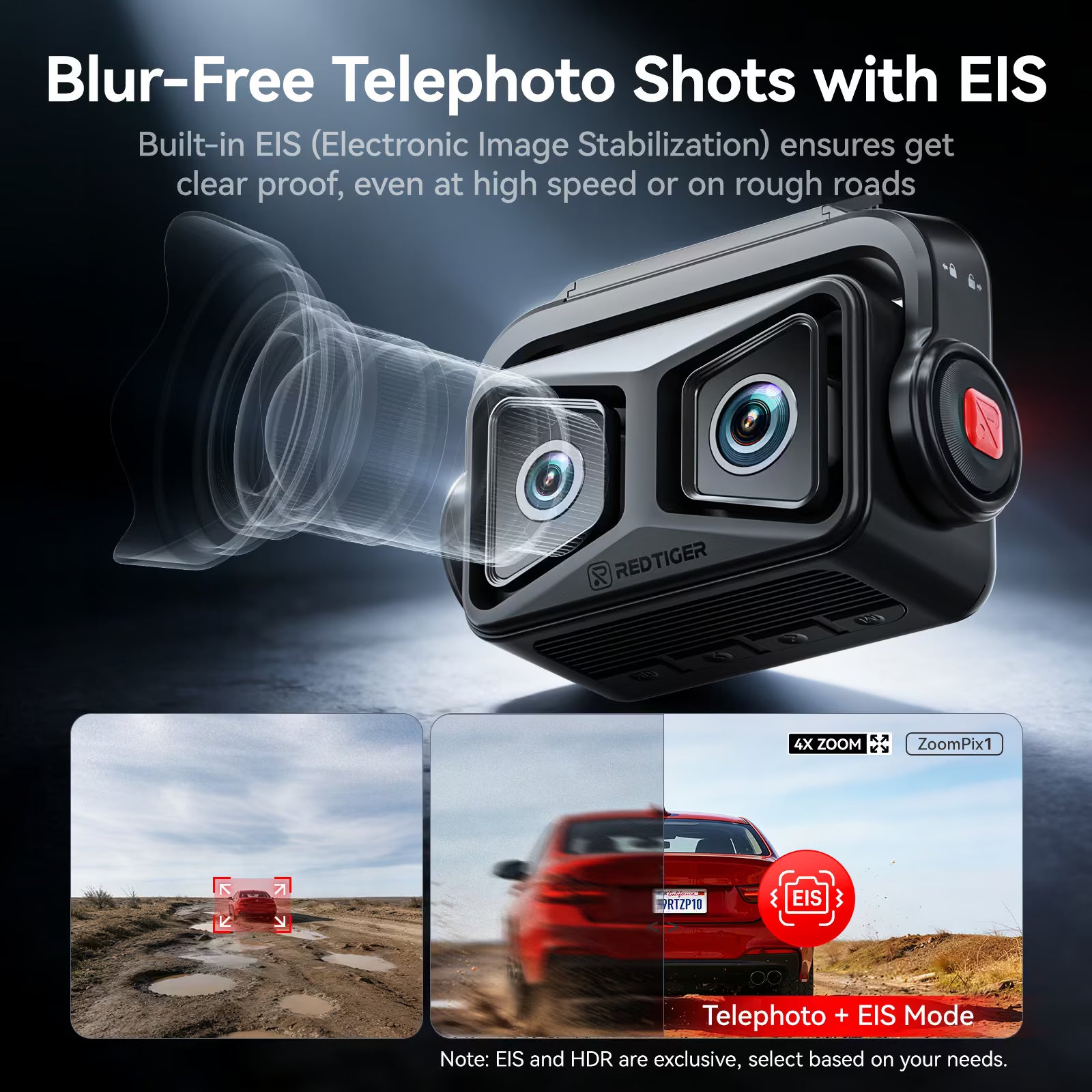
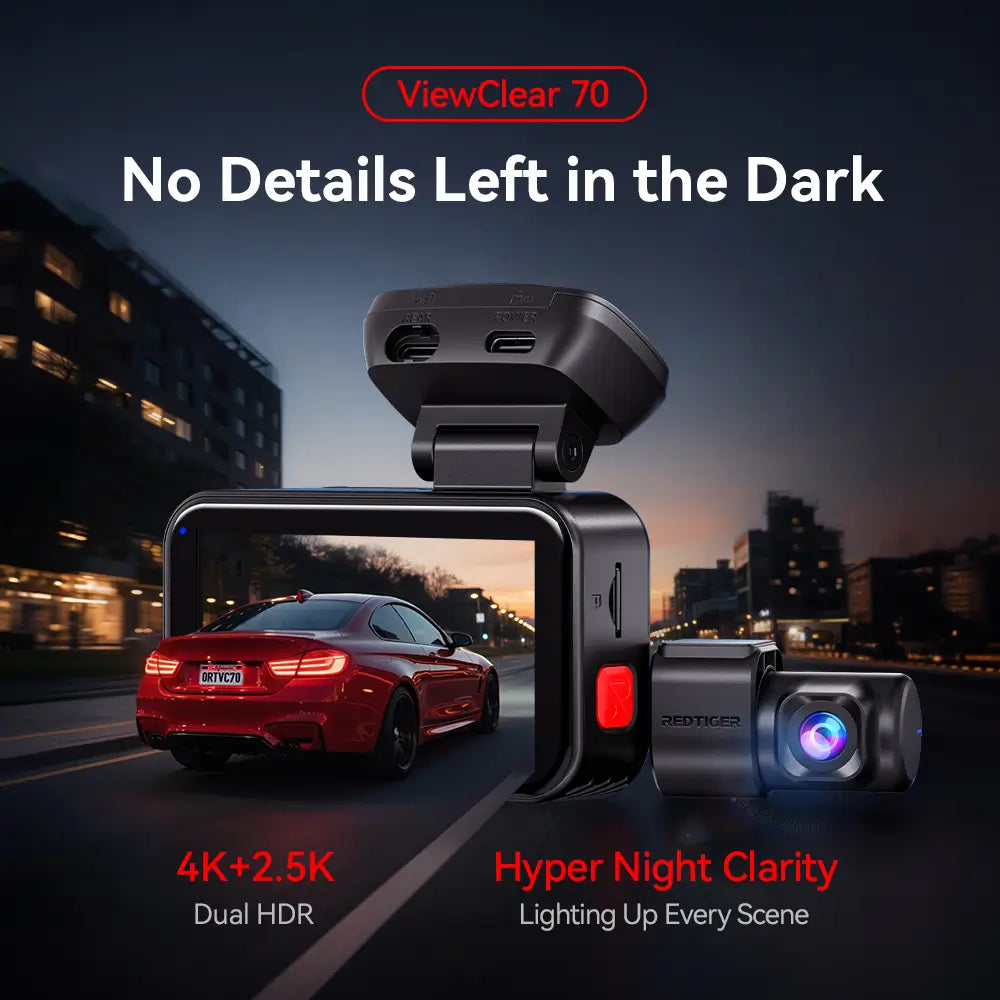
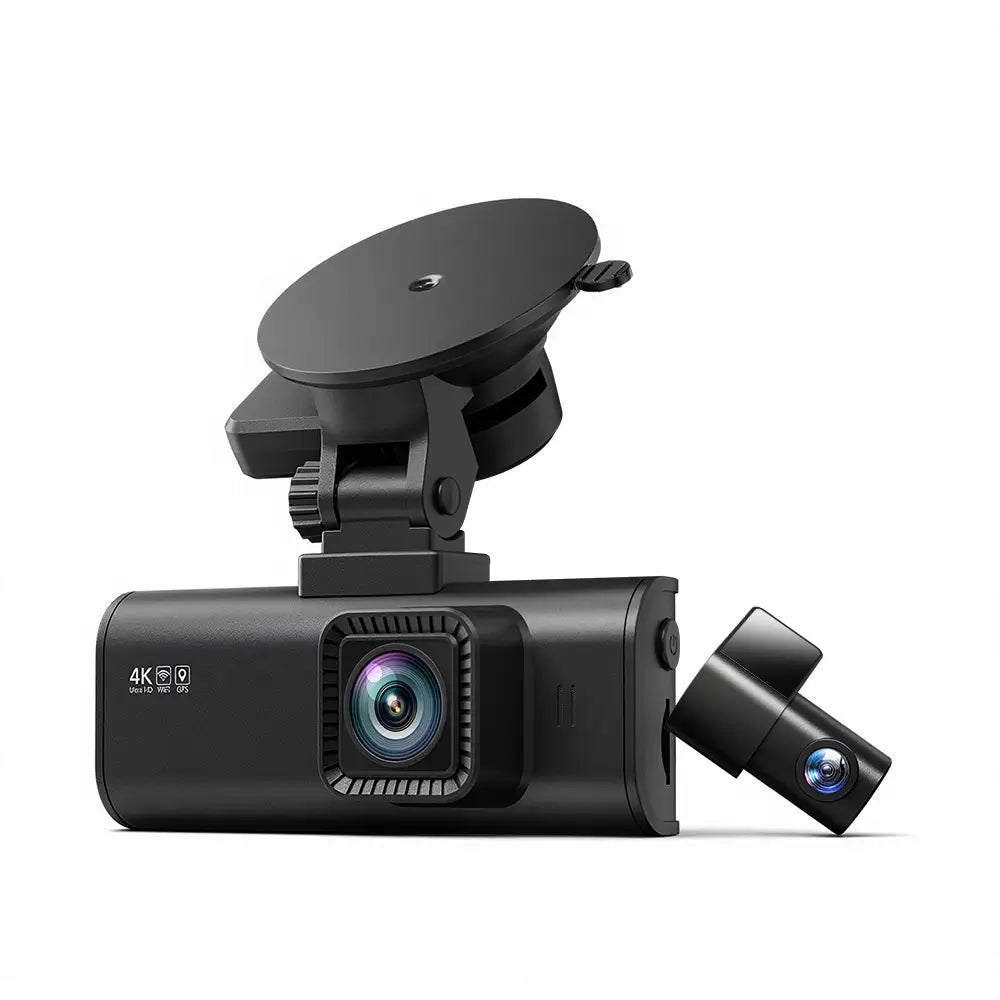
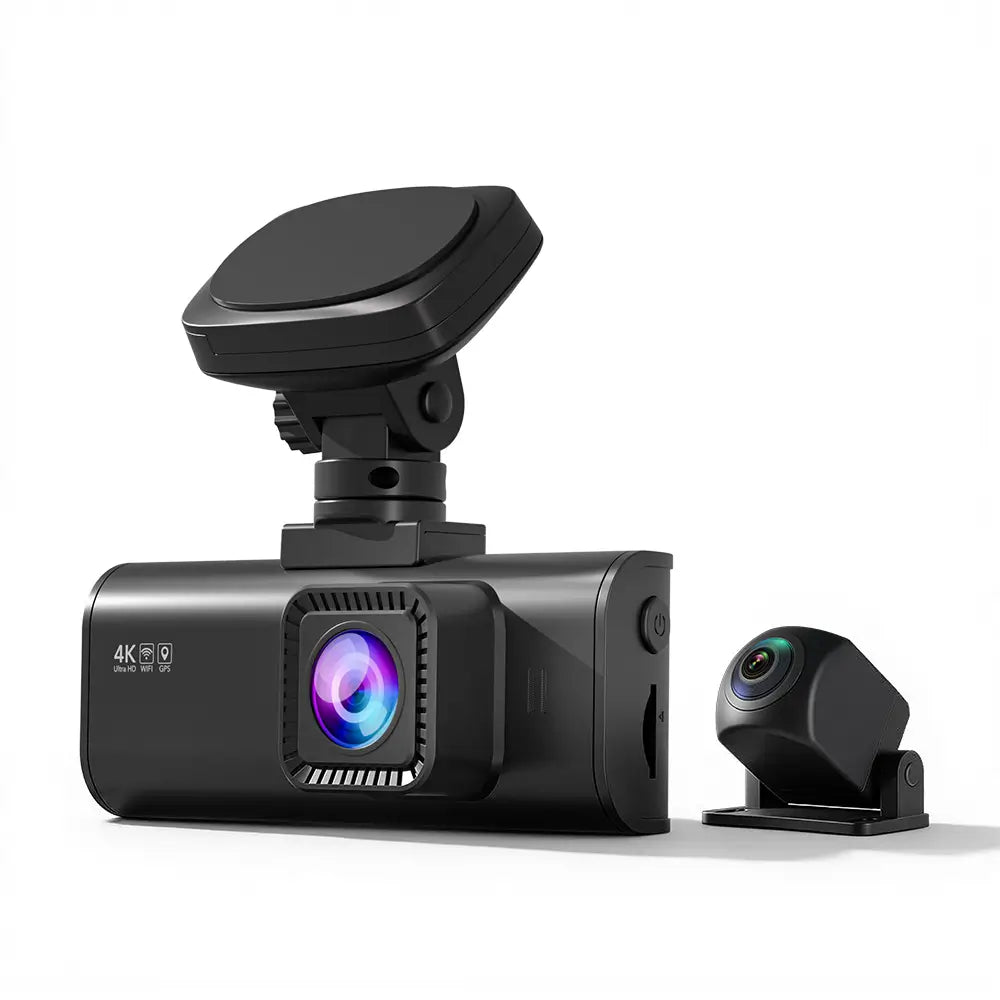
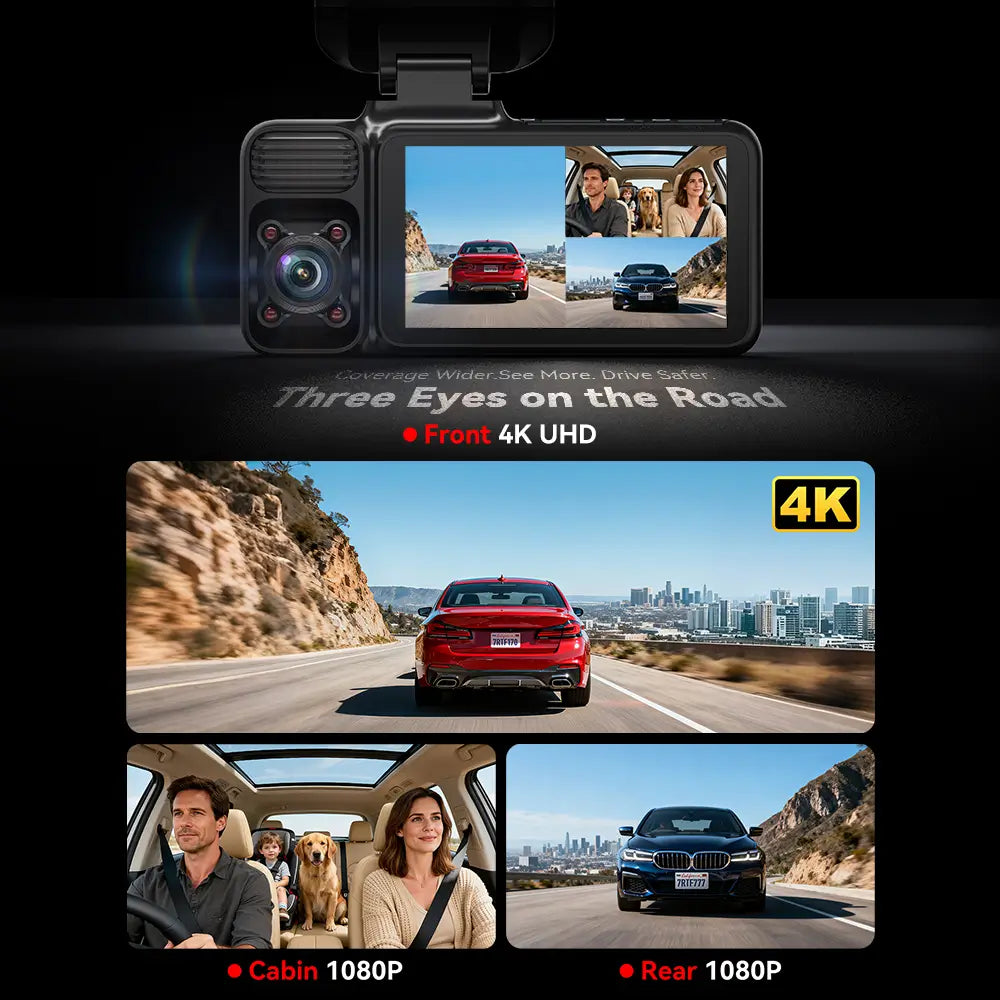
Native 4K+HDR , Double it
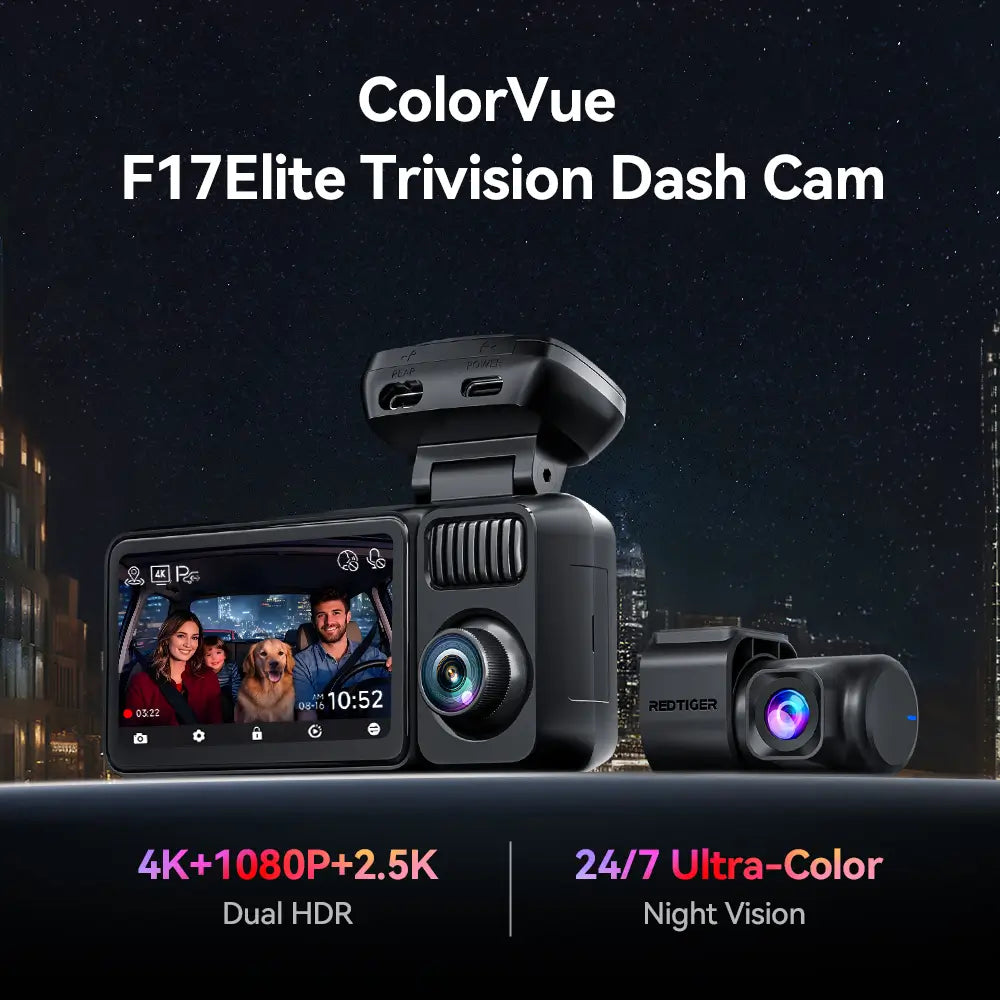
Superior night vision, worry-free at night
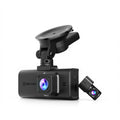
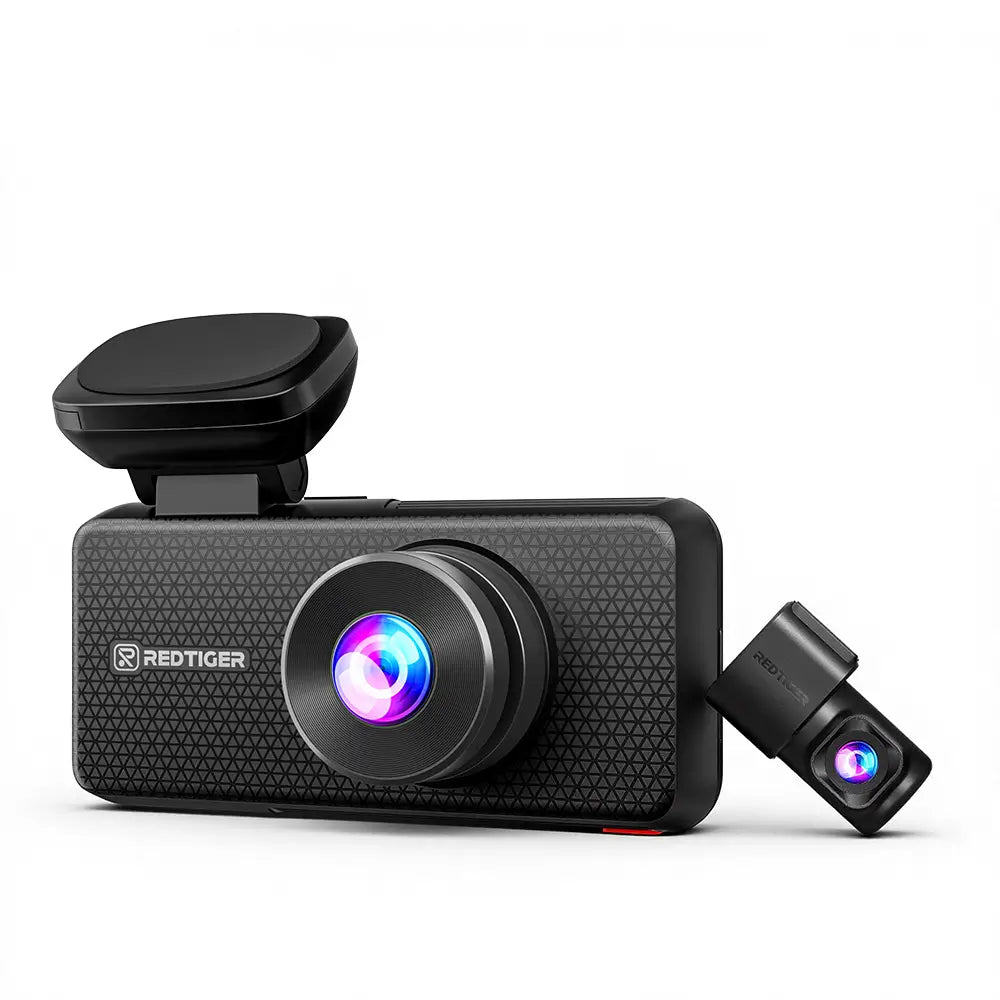
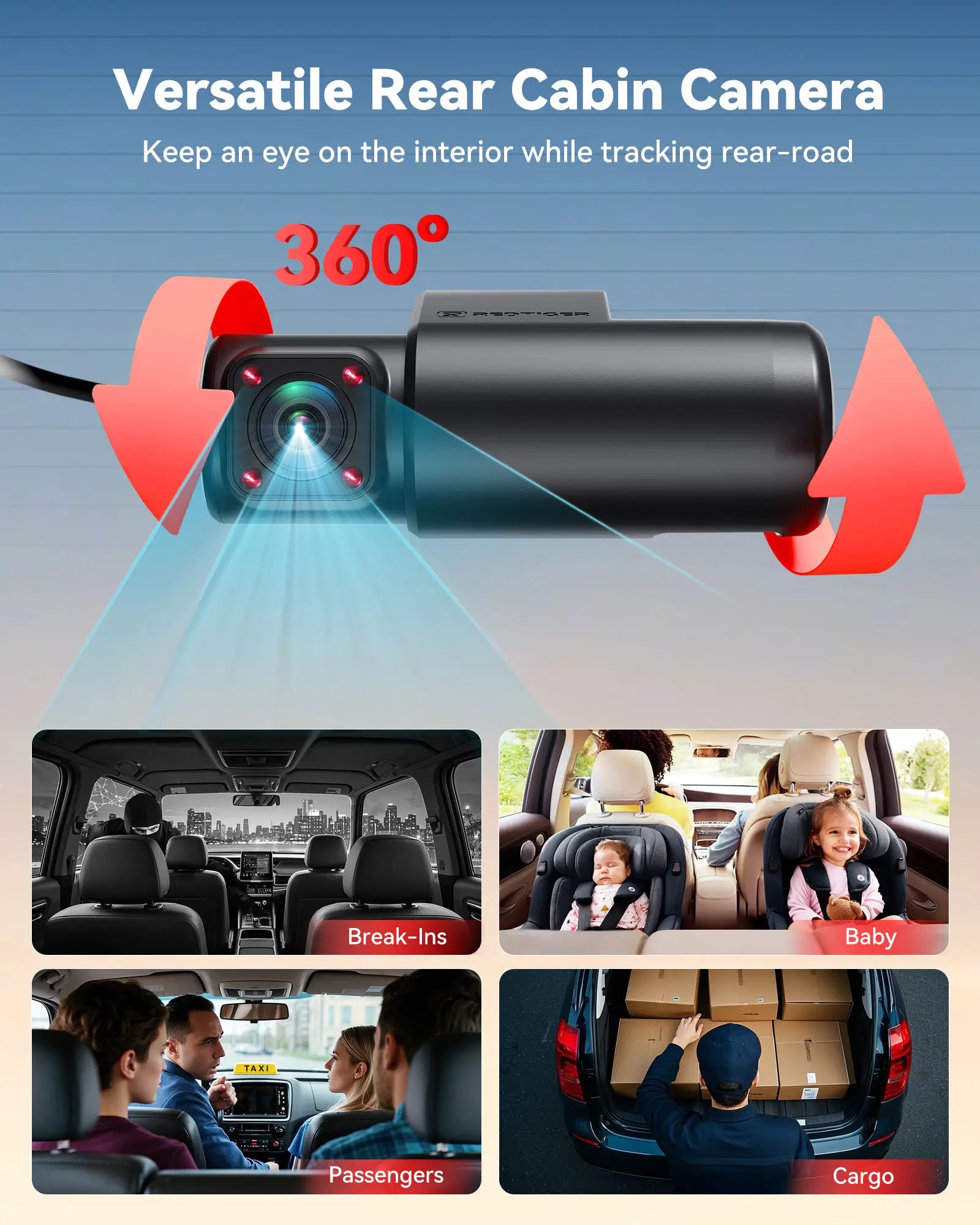
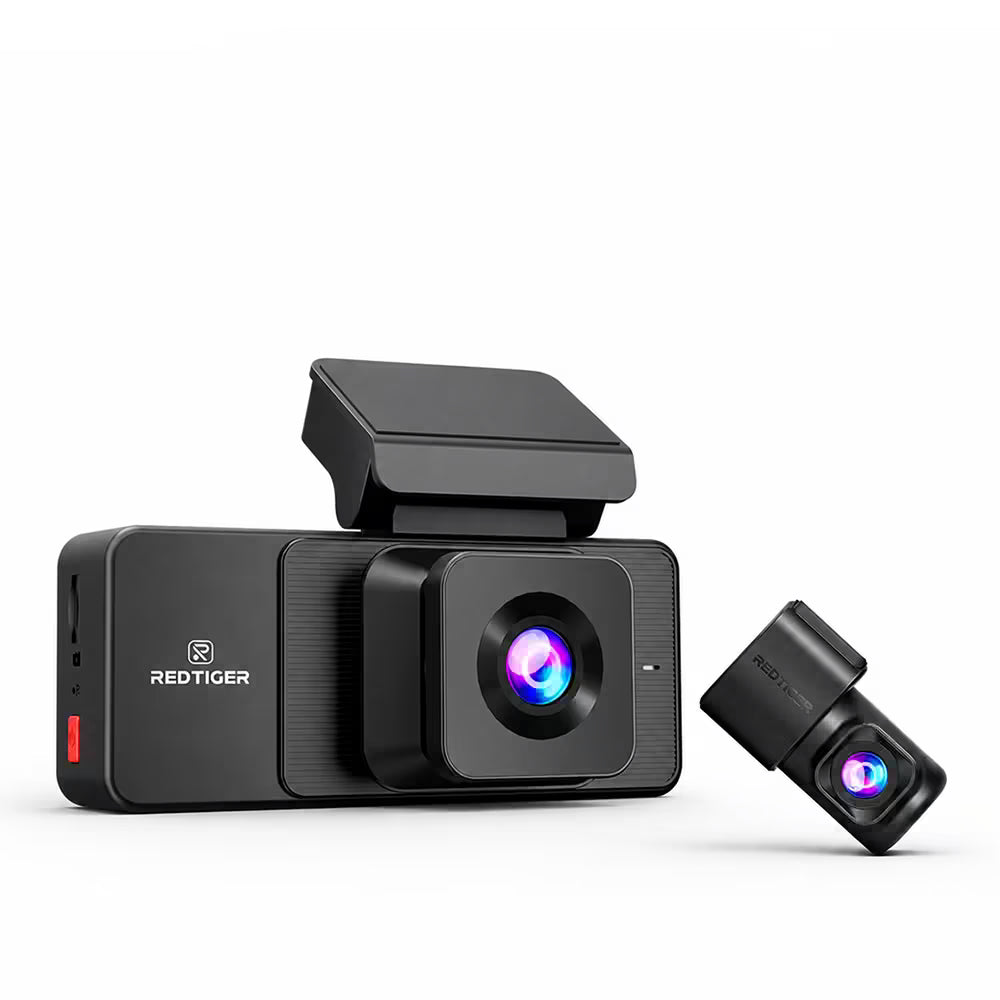
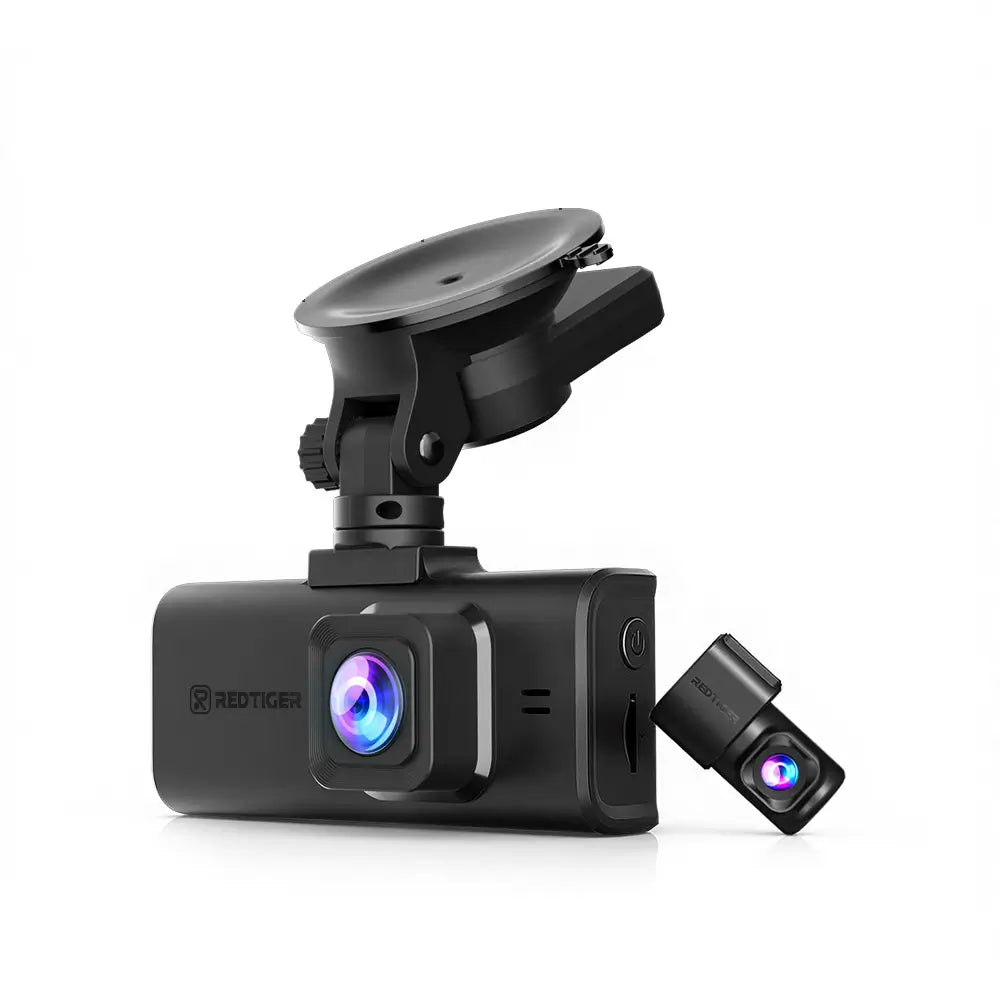
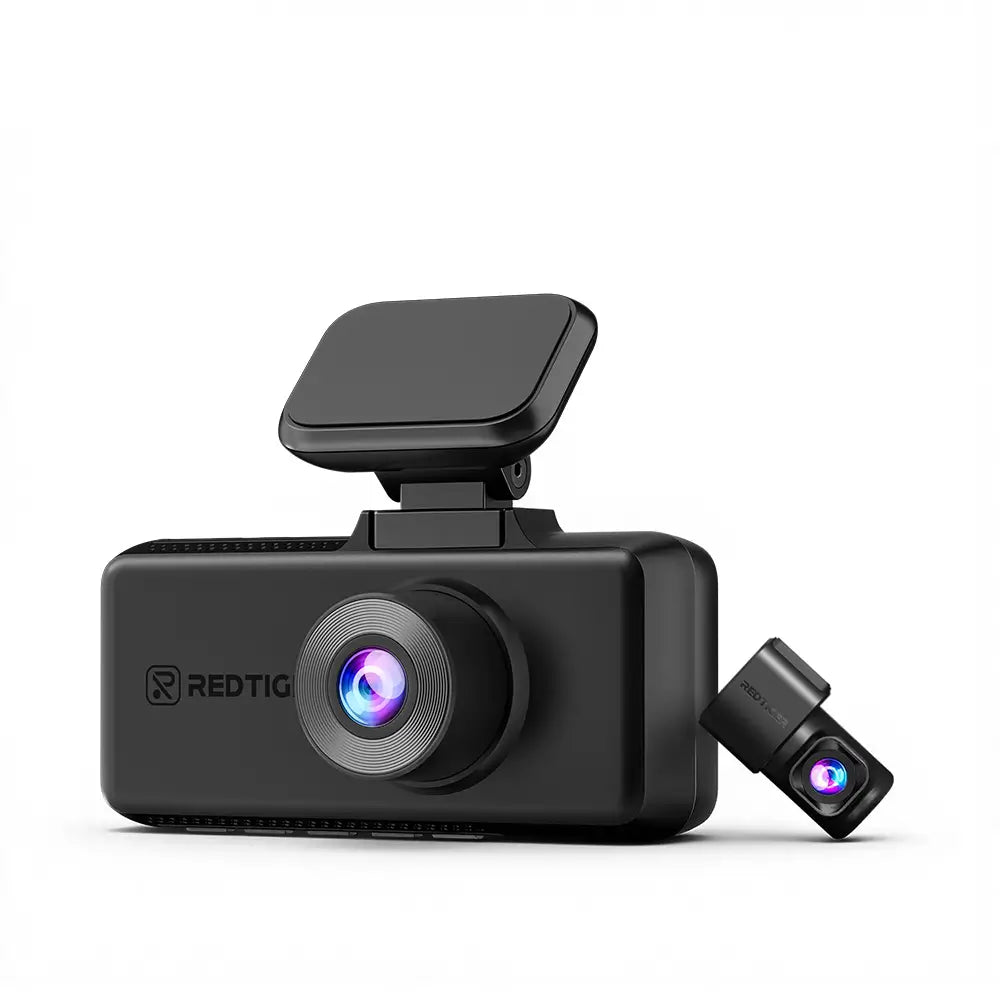
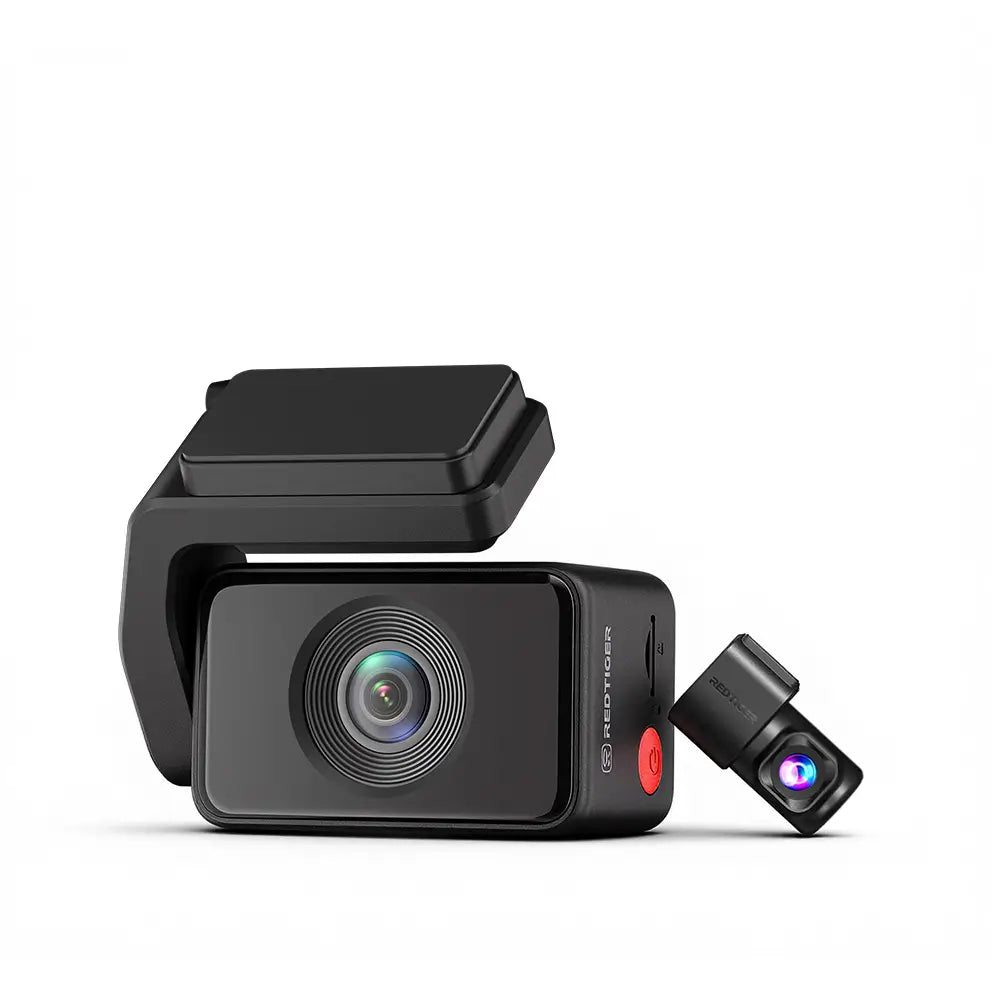
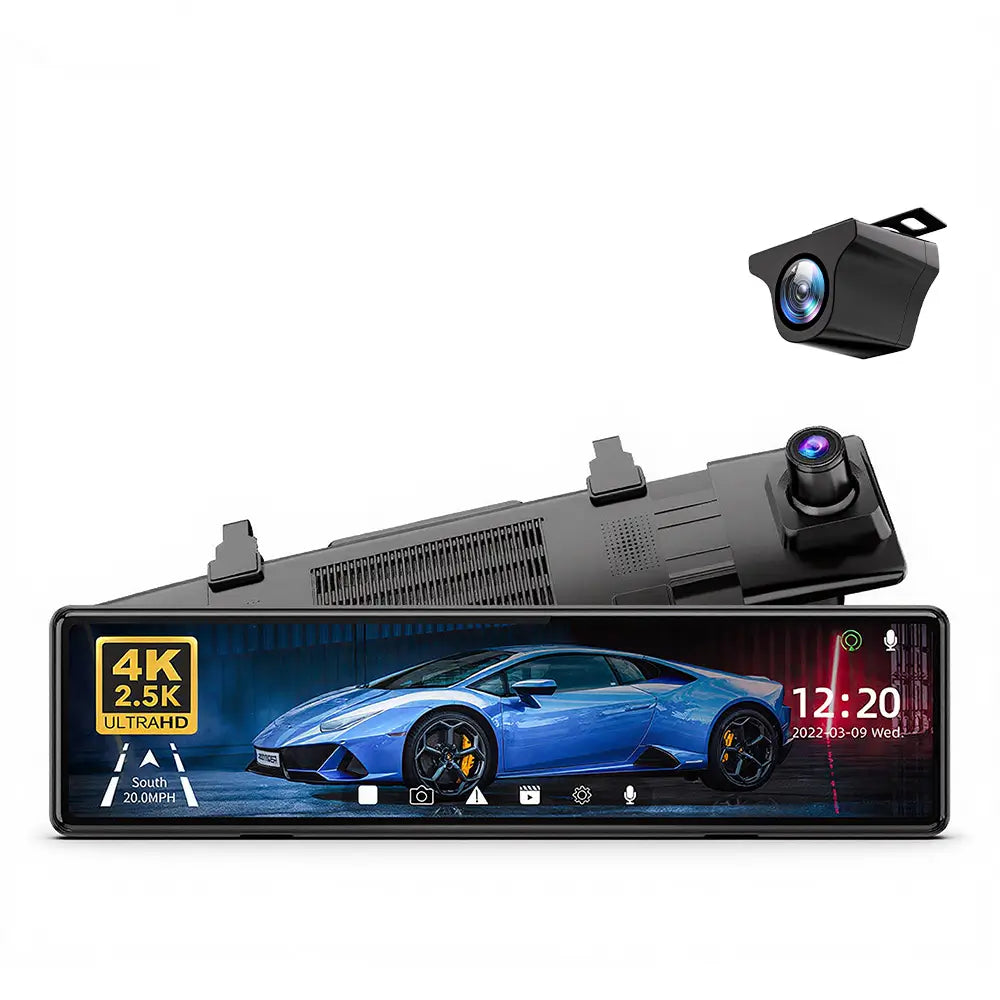
Front and rear recording inside the vehicle
Sold over 2 million units worldwide
All-New Generation, Fully Upgraded
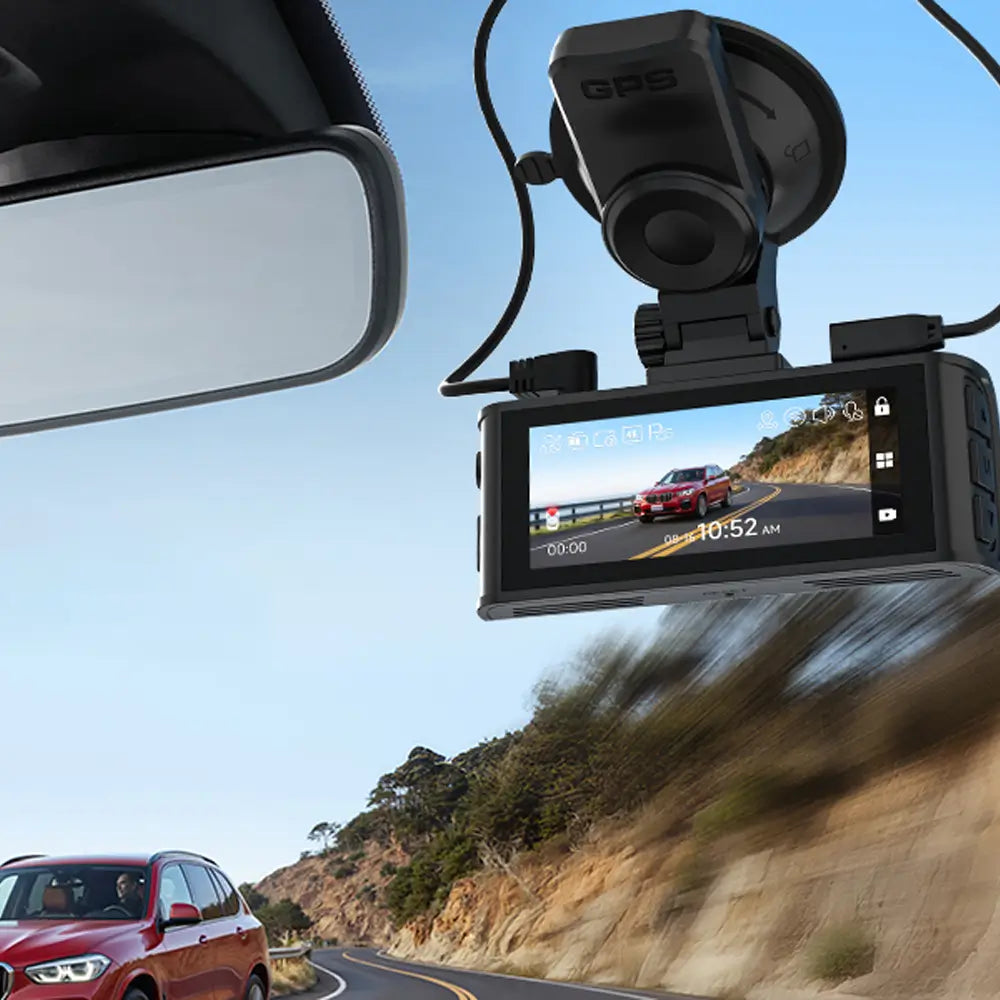
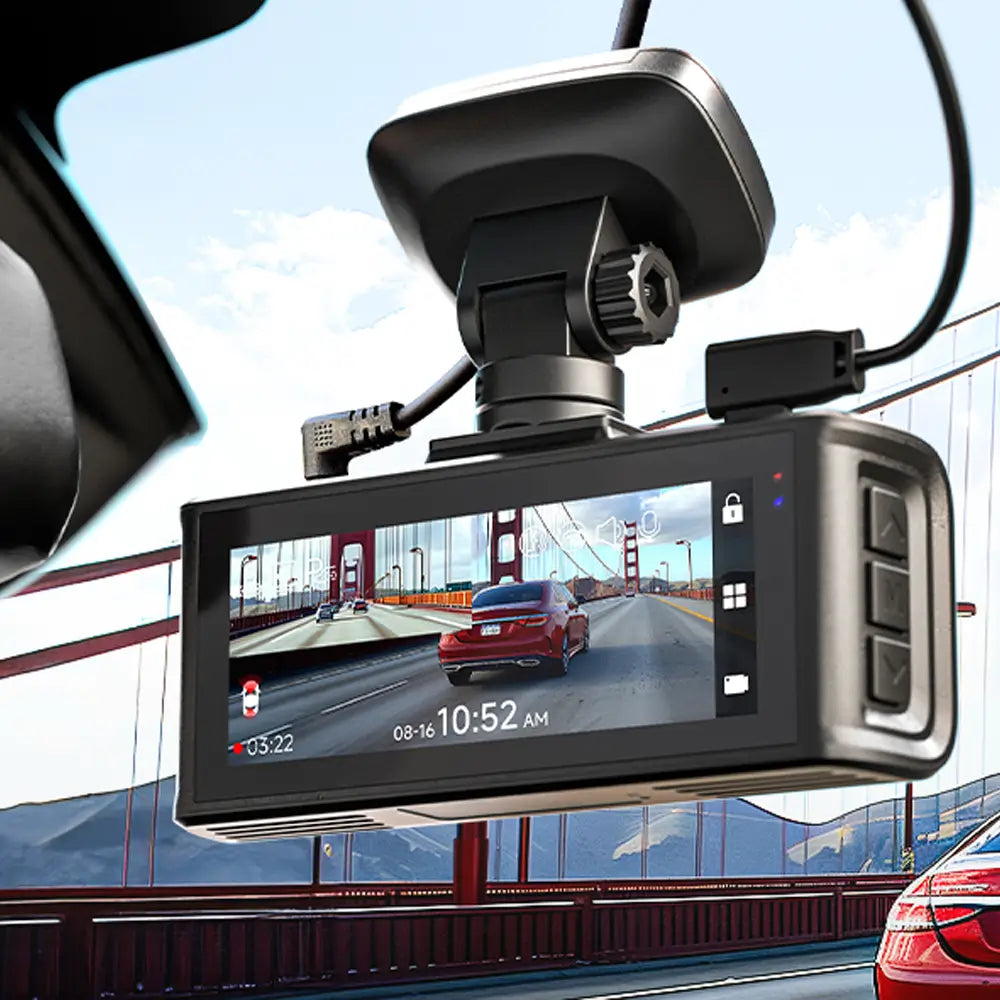
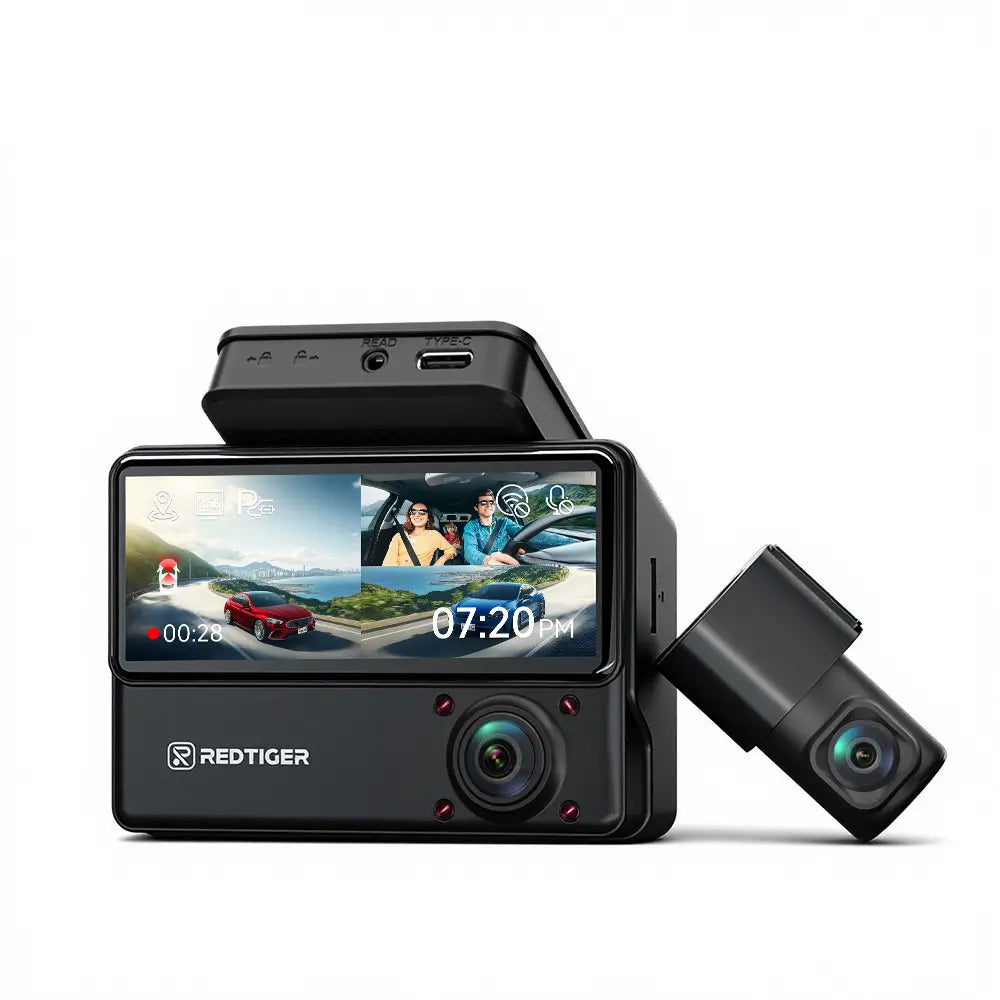
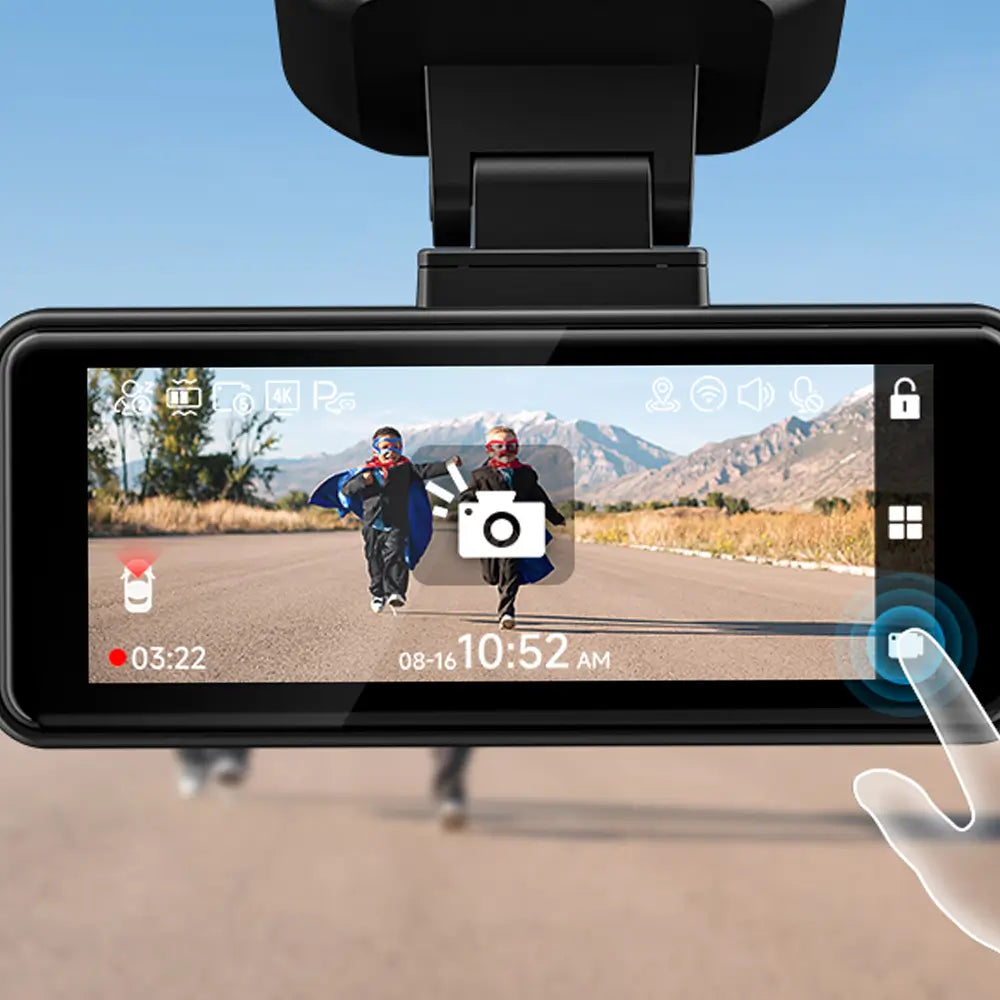
Your First Touchscreen Dashcam
A smart choice for you
Ideal for first-time dash cam users
530° Ultra-Wide-Angle Recording
Focus on recording the window position
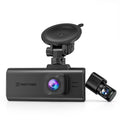
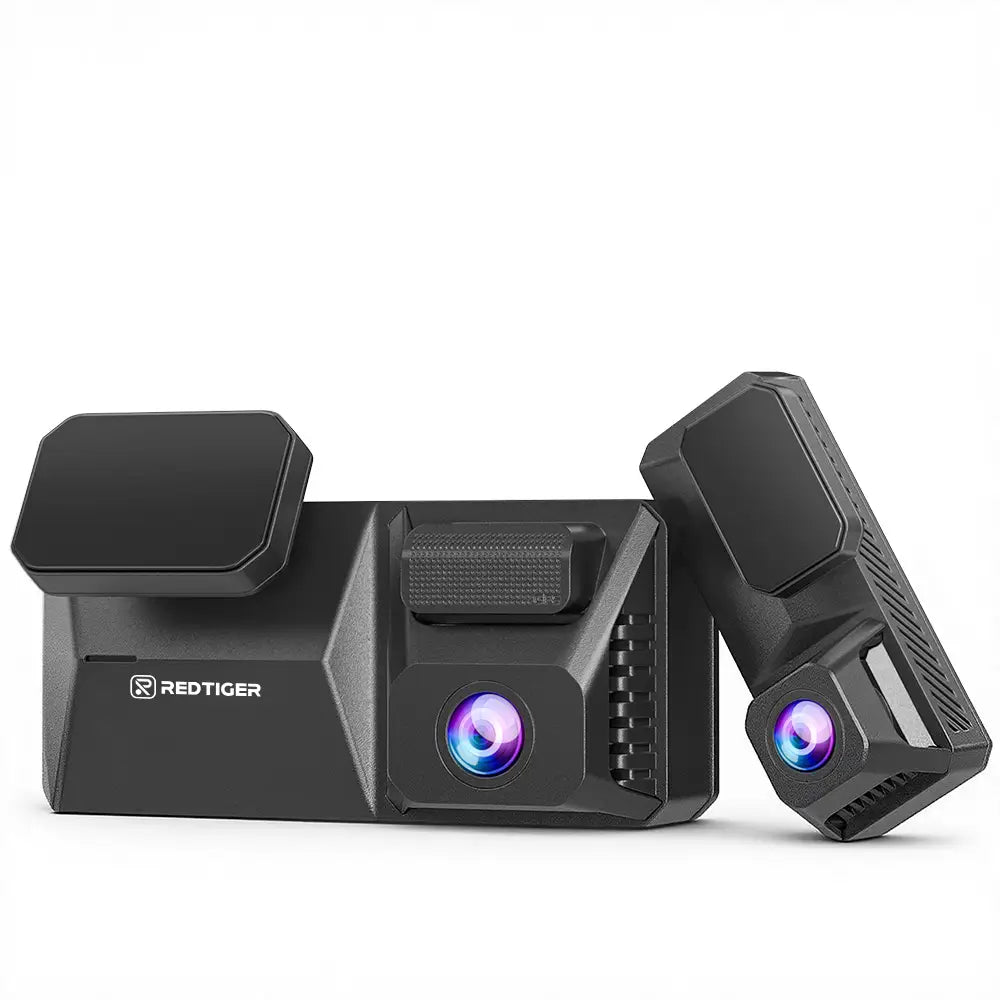
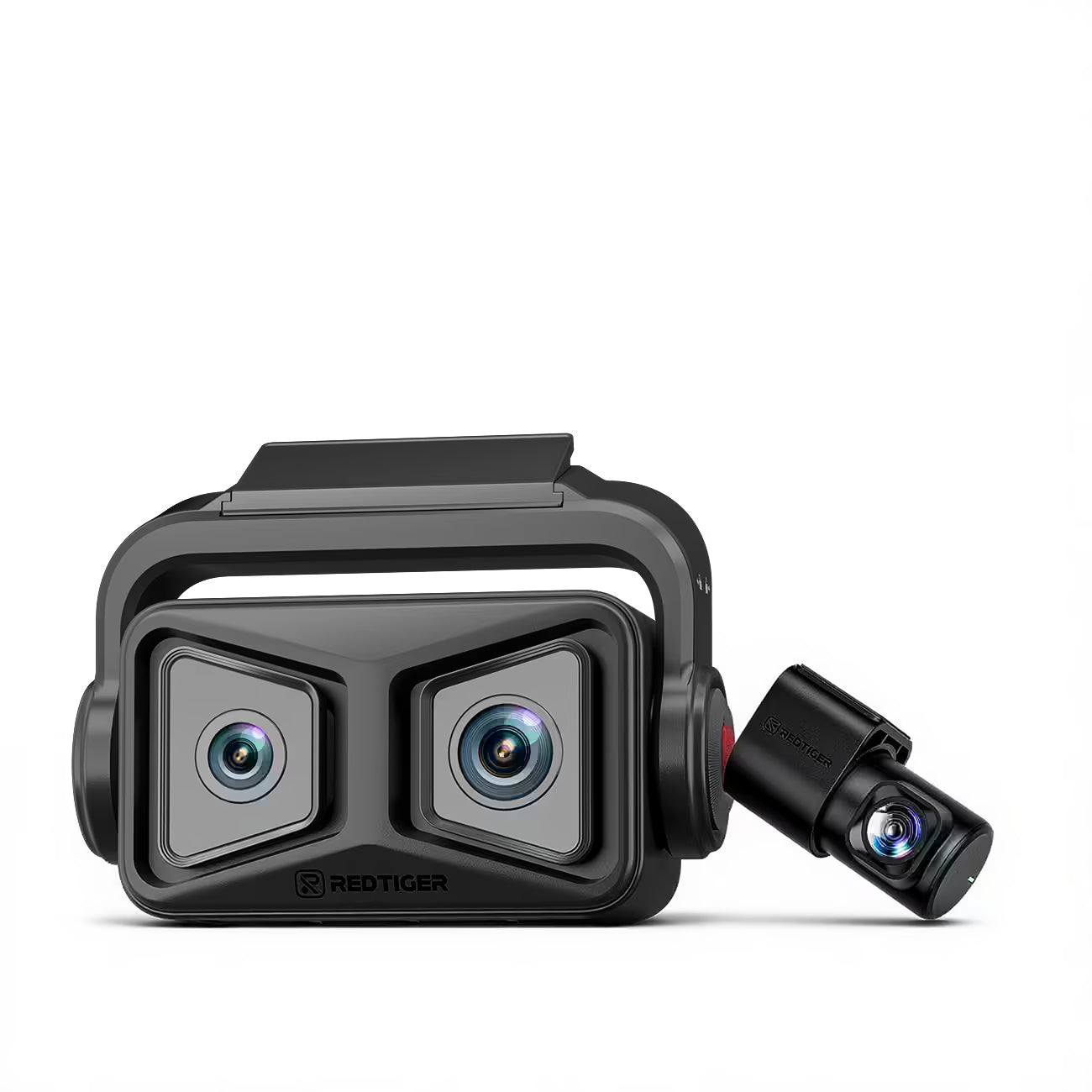
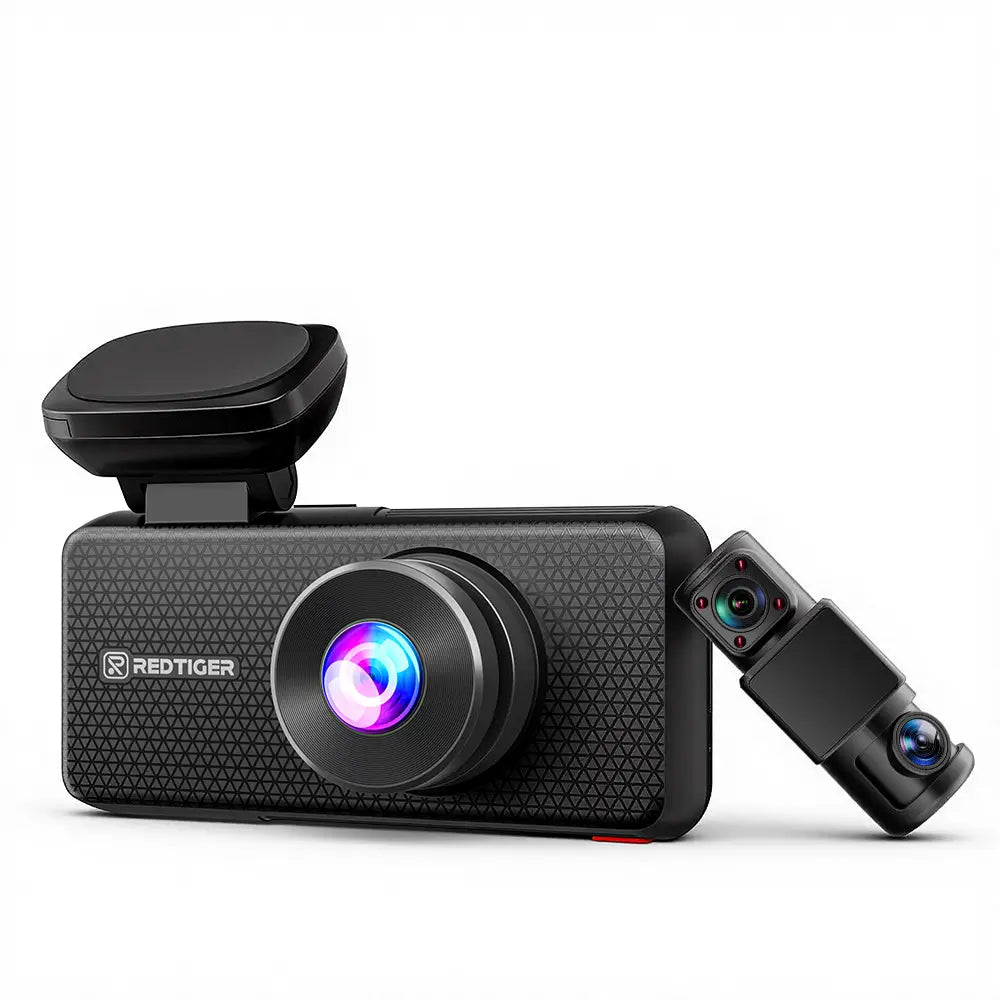
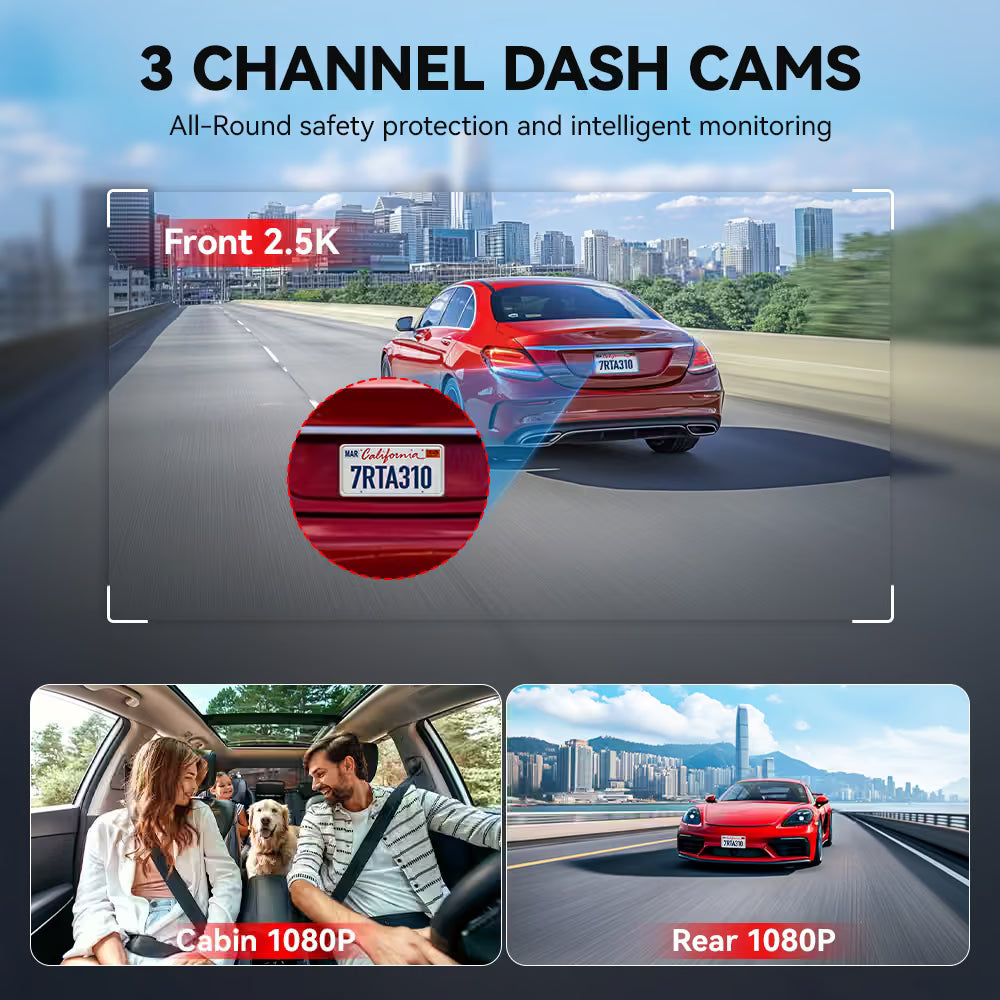
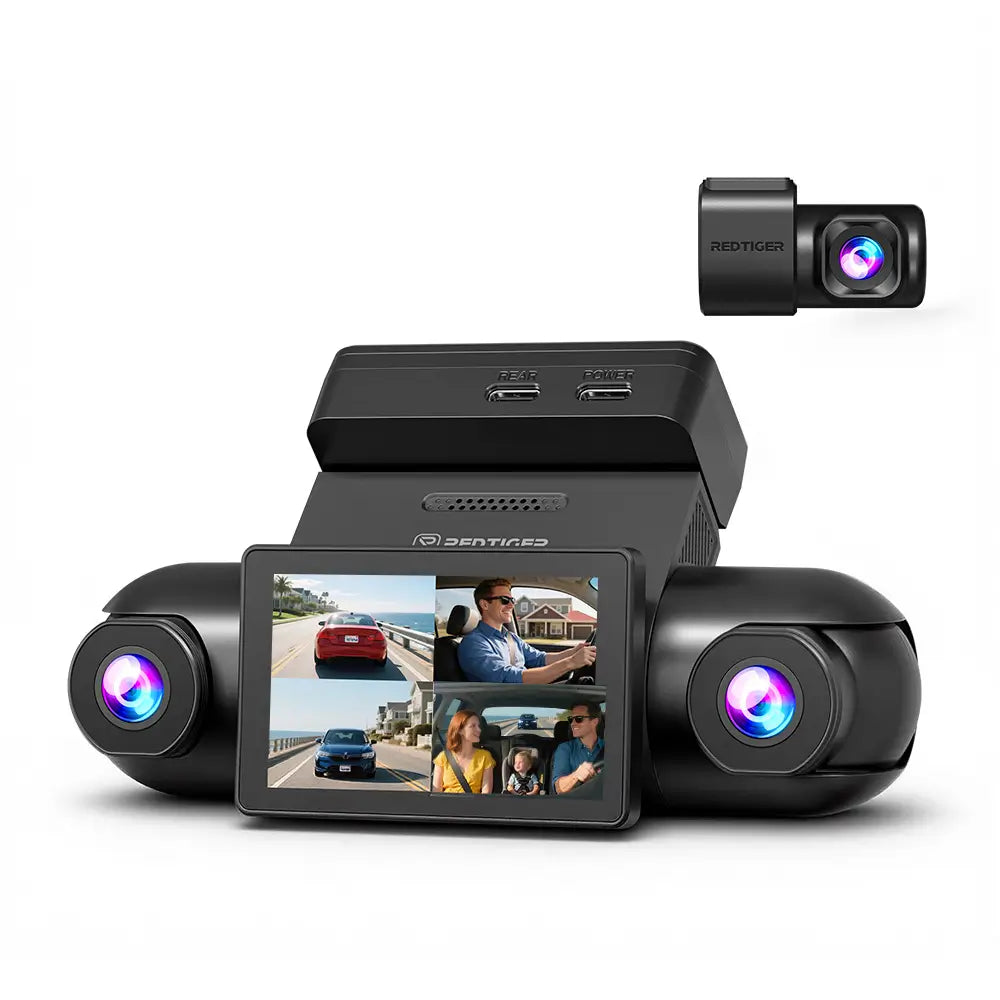
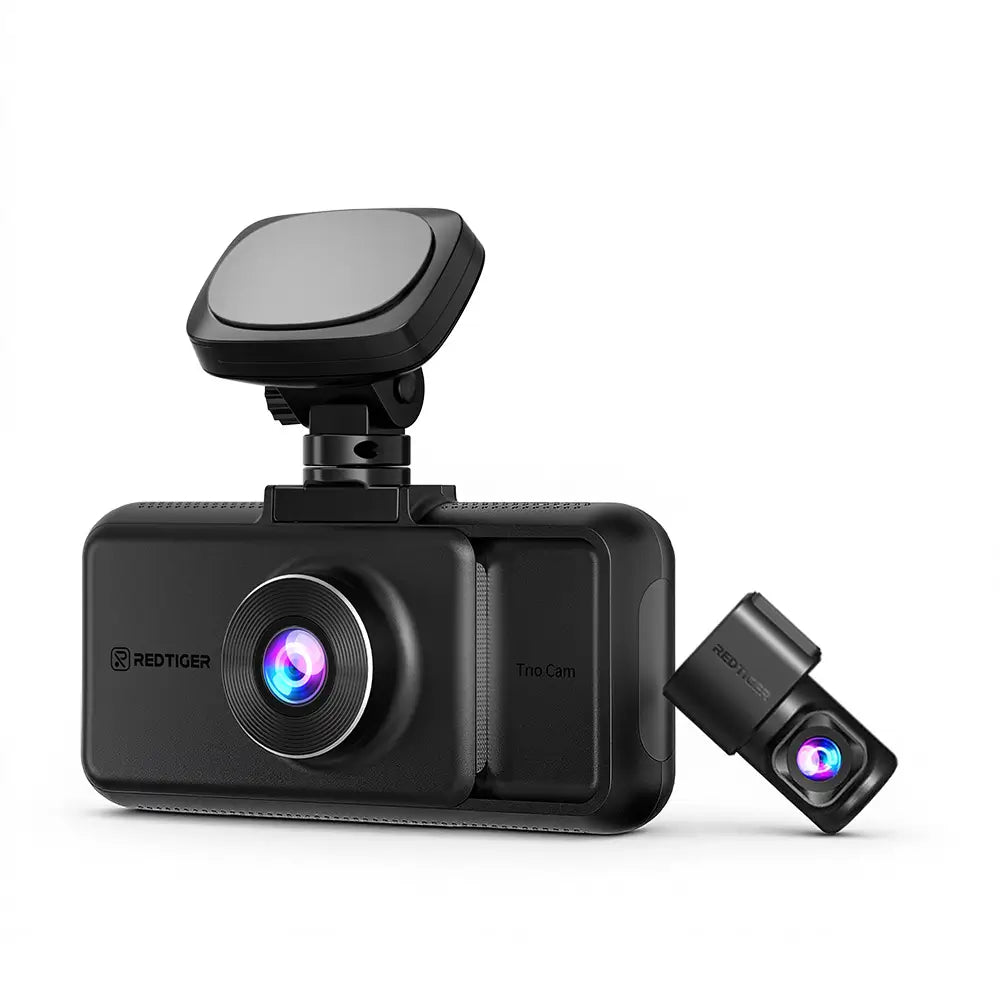
Your First 3-Channel Dash Cam
Your Road, Captured in Crystal Detail.
If It Happens, It’s Recorded.
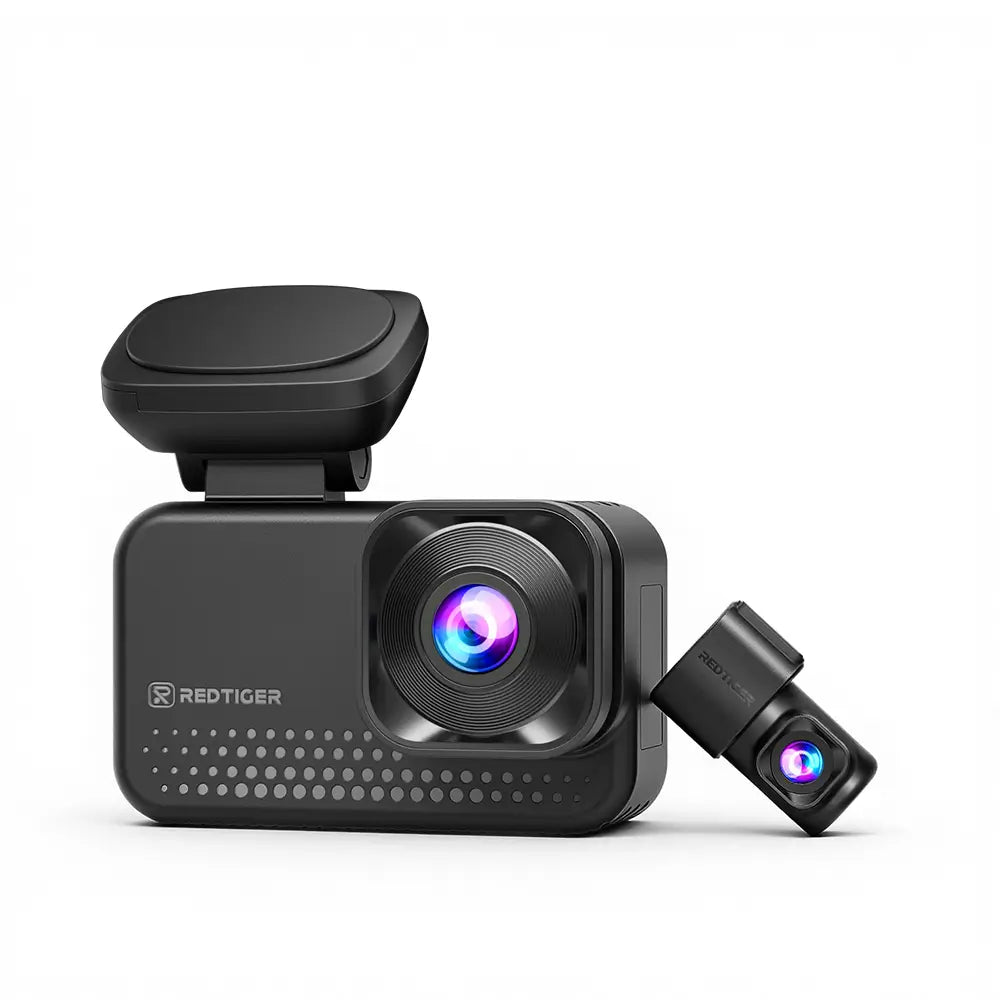
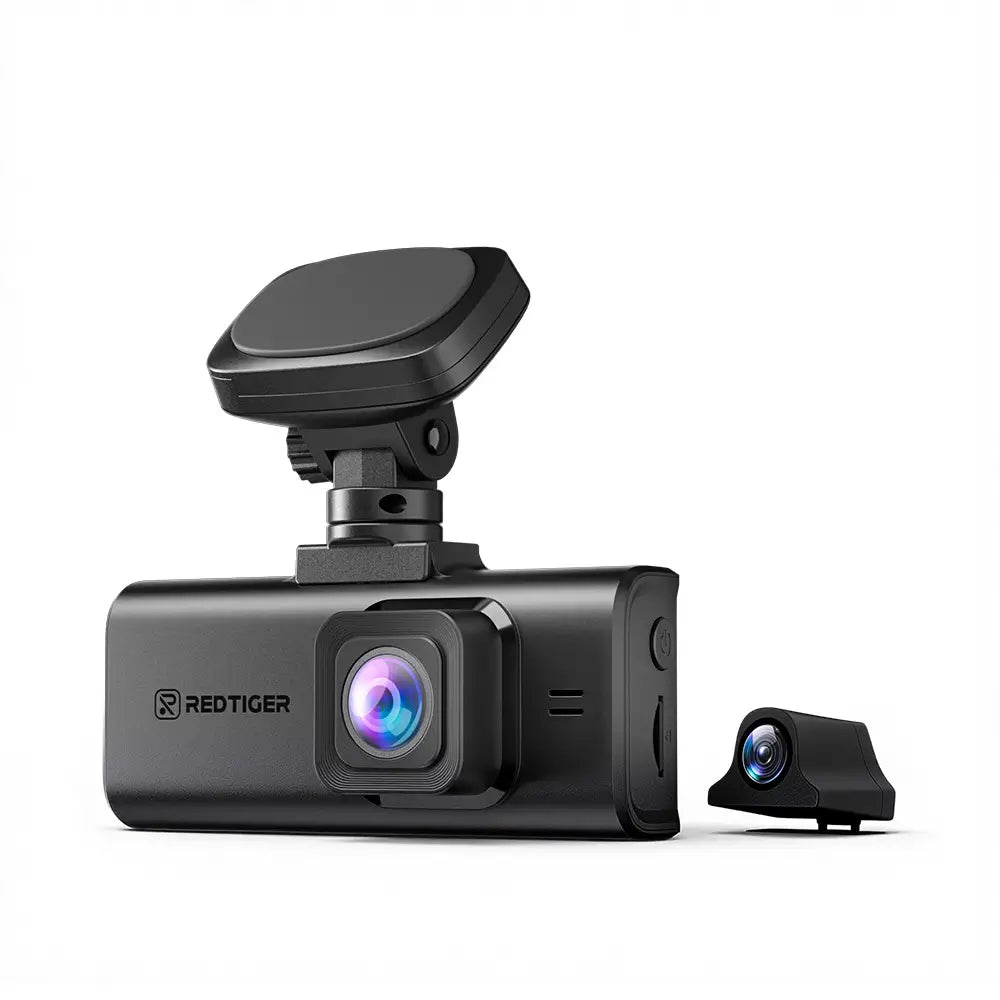
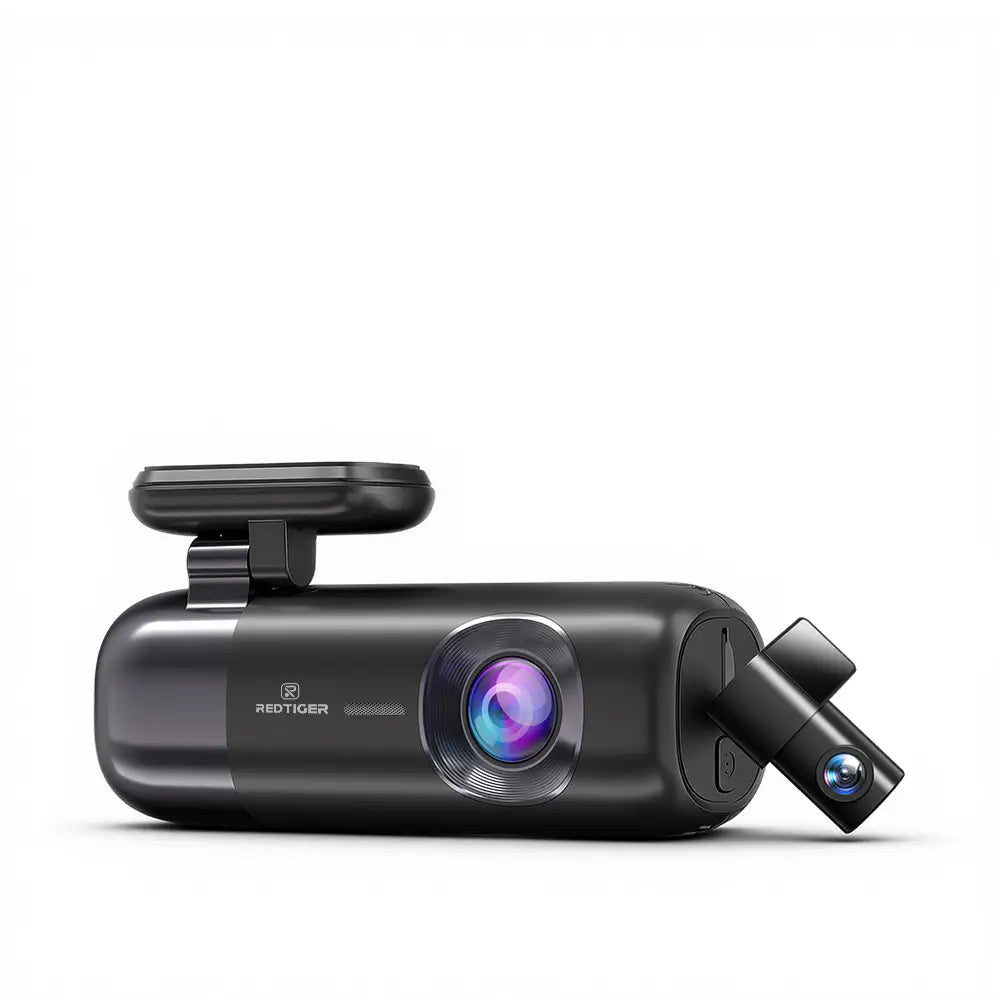
The Best Compact Dashcam Choice
Ideal for first-time dash cam users
Look Sharp. Park Smart.
With over 3,500 5-star reviews, our reason drivers rely on
See what people are saying about the Redtiger dash cam
Professional Guide About The Dash Cam
How To Choose Dash Cam For My Car ?
1.Consider Your Budget: Best Dash Cam Options
We strongly recommend customers opt for a 4K front and rear or three-channel dash cam, typically priced between $100 and $300. High-definition 4K video evidence and multi-channel recording can significantly enhance your driving safety, especially in complex urban traffic conditions.
4K front-facing dash cams are ideal for budget-conscious drivers, usually priced at or below $100.
These dash cams generally provide only basic front-facing recording, and unable to record the situation behind your vehicle.
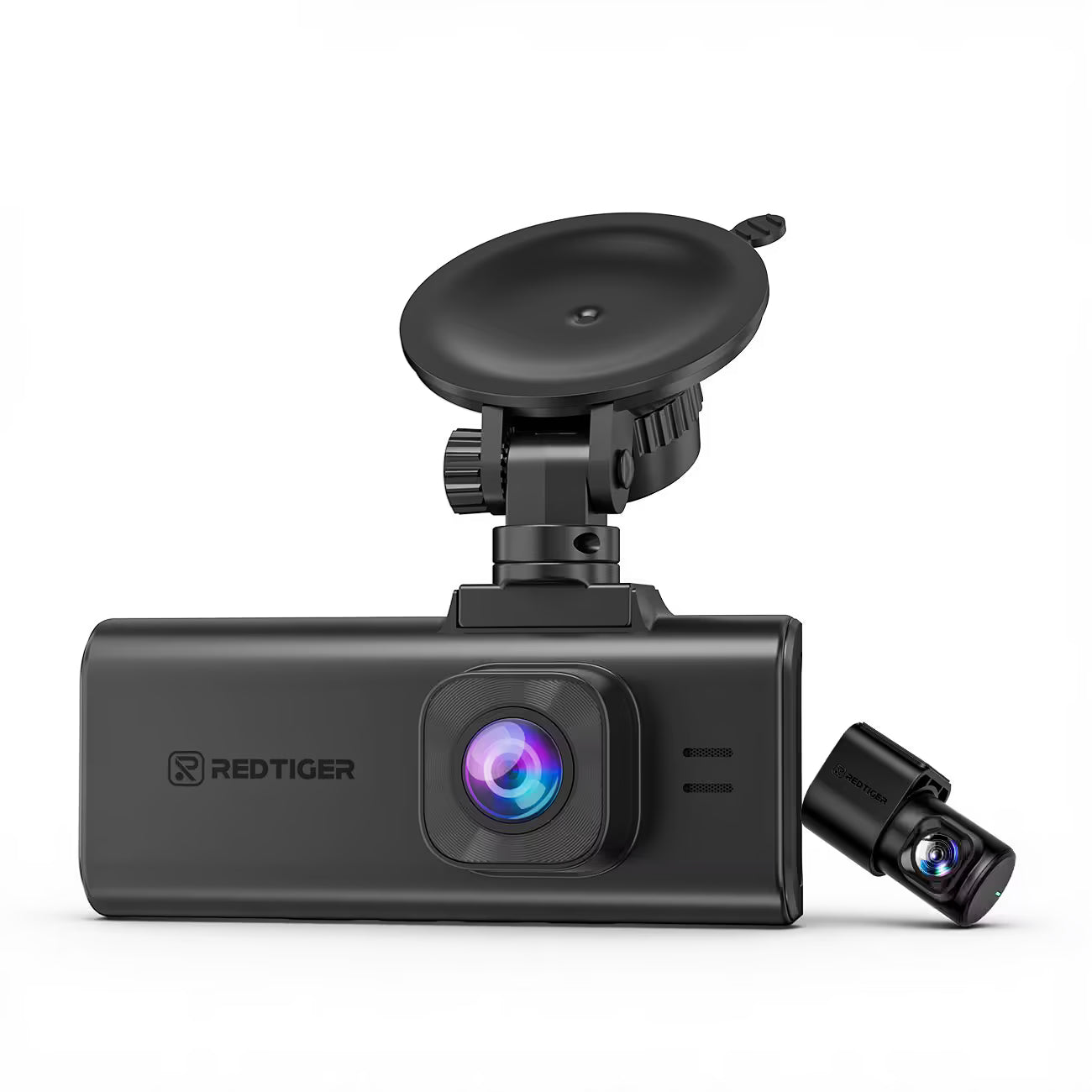
Recommend front and rear dash cam:
2. Consider Your Vehicle: Dash Cams for SUVs, Trucks, and Sedans
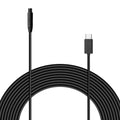
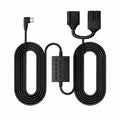
Our Hardwire Kit is 11.5ft / 3.5 meters long, and the rear camera connection cable is 21.5ft / 6.5 meters.
If you have a large vehicle such as an SUV or a truck, the length of the Hardwire Kit and rear camera cable may not be sufficient.
Please select the appropriate extended cable based on the actual size of your vehicle.
Longer Hardwire Kit: 21.5ft / 6.5 meters long
Longer Rear Camera Cable: 33ft / 10 meters long, 50ft / 15 meters long
3. Consider Dash Cam Features: Functions That Match Your Driving Needs
Knowing the essential dash-cam-features can help you find a model that truly matches your daily driving needs.
A dash cam does more than just capture the road. The right features can keep you safer and provide peace of mind in unexpected situations. Key features to consider include:
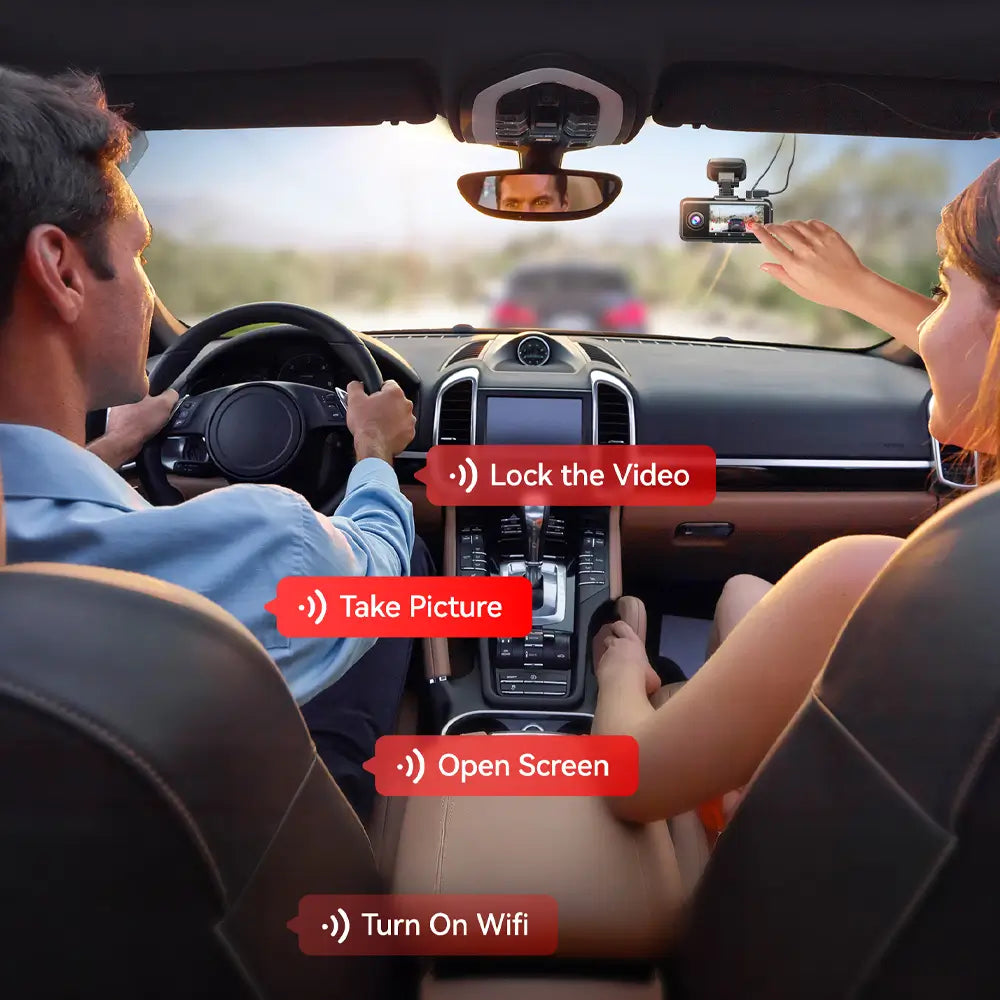
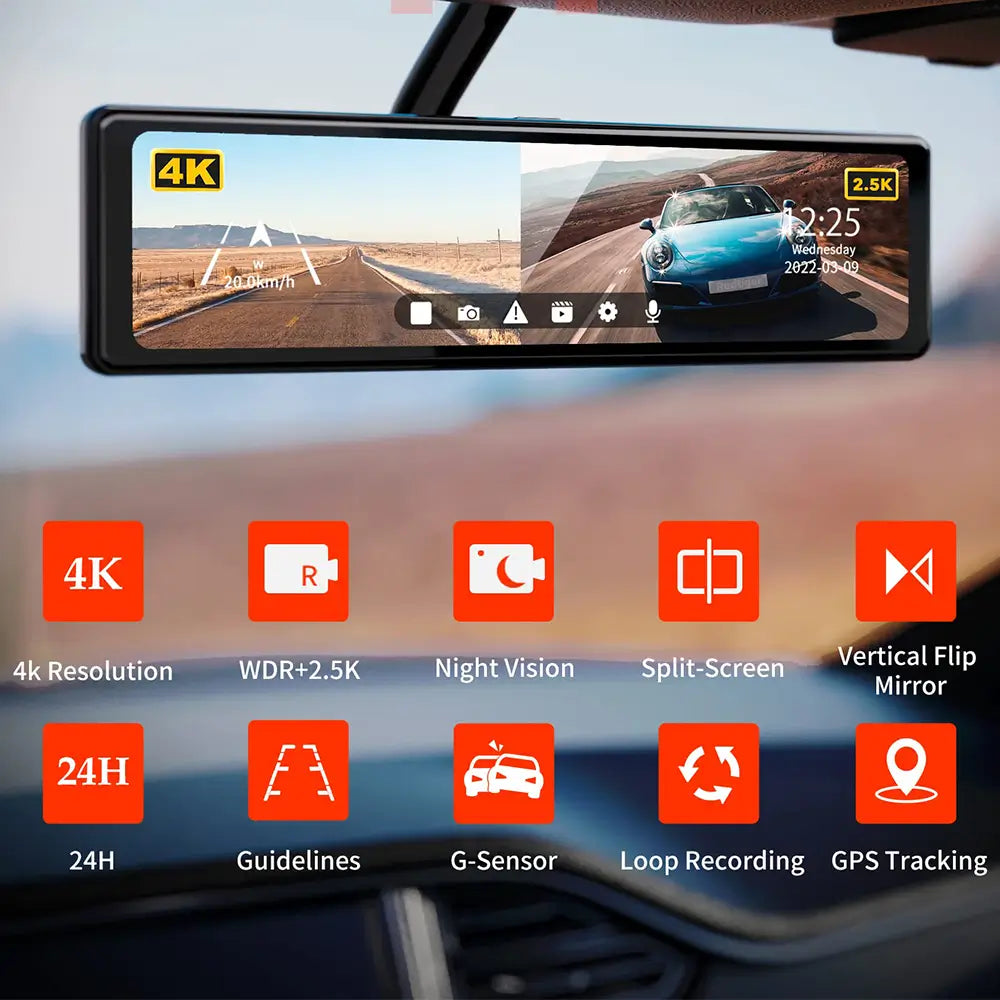
Emergency Video Lock
Sudden braking or collisions can happen at any time. This feature automatically saves and locks the current video, making sure crucial evidence isn’t overwritten by loop recording.
GPS Tracking
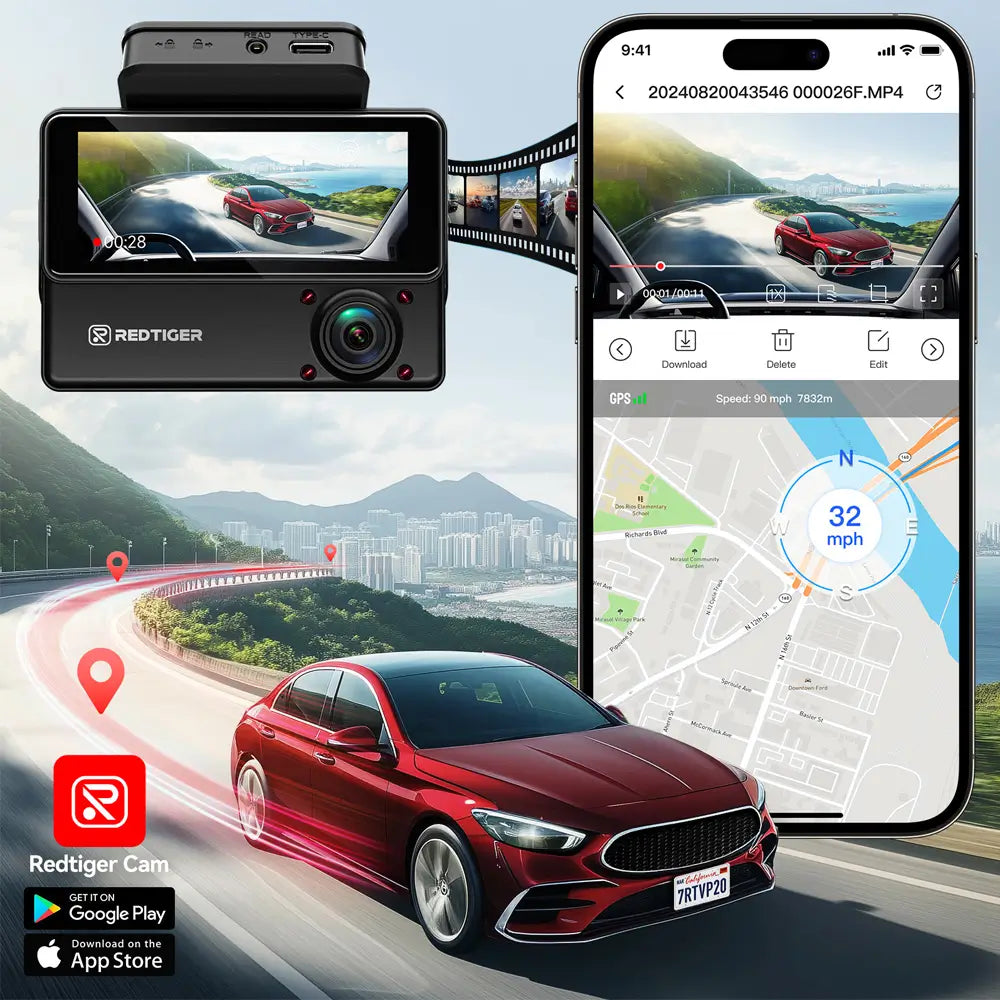
Accidents on busy or unfamiliar roads can be stressful. GPS records exact speed and location, which can be essential for insurance claims. It also captures road names and nearby vehicles, helping you recall details later.
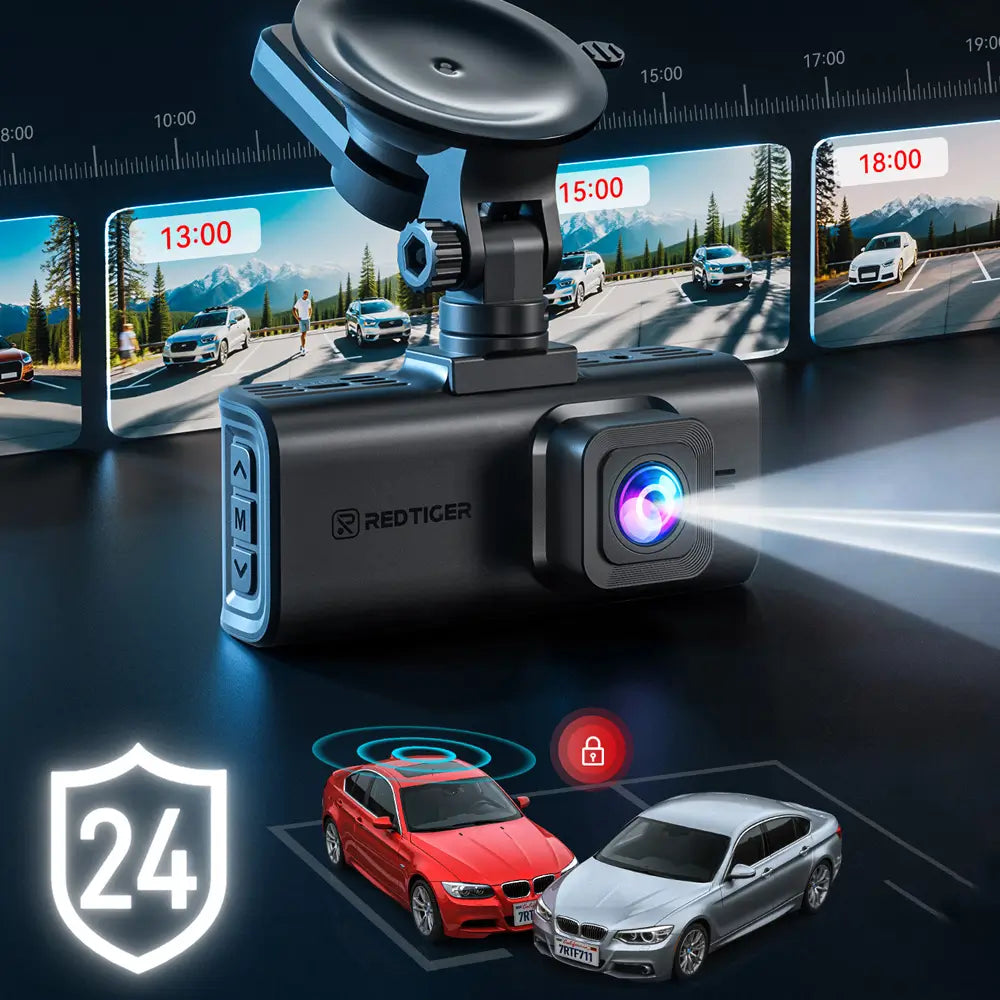
24/7 Parking Protection
Parking in crowded lots or city streets can be risky. This mode keeps your car monitored around the clock, recording bumps, scratches, or suspicious activity to provide reliable evidence.
Full-Color Night Vision
Standard dash cam night videos can be dark or blurry. Full-Color Night Vision records in natural color, keeping videos as clear and detailed as daytime, so you can easily identify vehicles, signs, and pedestrians.
Hands-Free Voice Control
Changing settings while driving can be distracting. Voice Control lets you operate the dash cam without taking your hands off the wheel or your eyes off the road.
Wi-Fi & App Access
Reviewing or sharing footage while on the go can be inconvenient. Wi-Fi and app connectivity let you quickly access, download, or share videos directly from your phone.
4. Consider Dash Camera Installation: Front Camera Placement
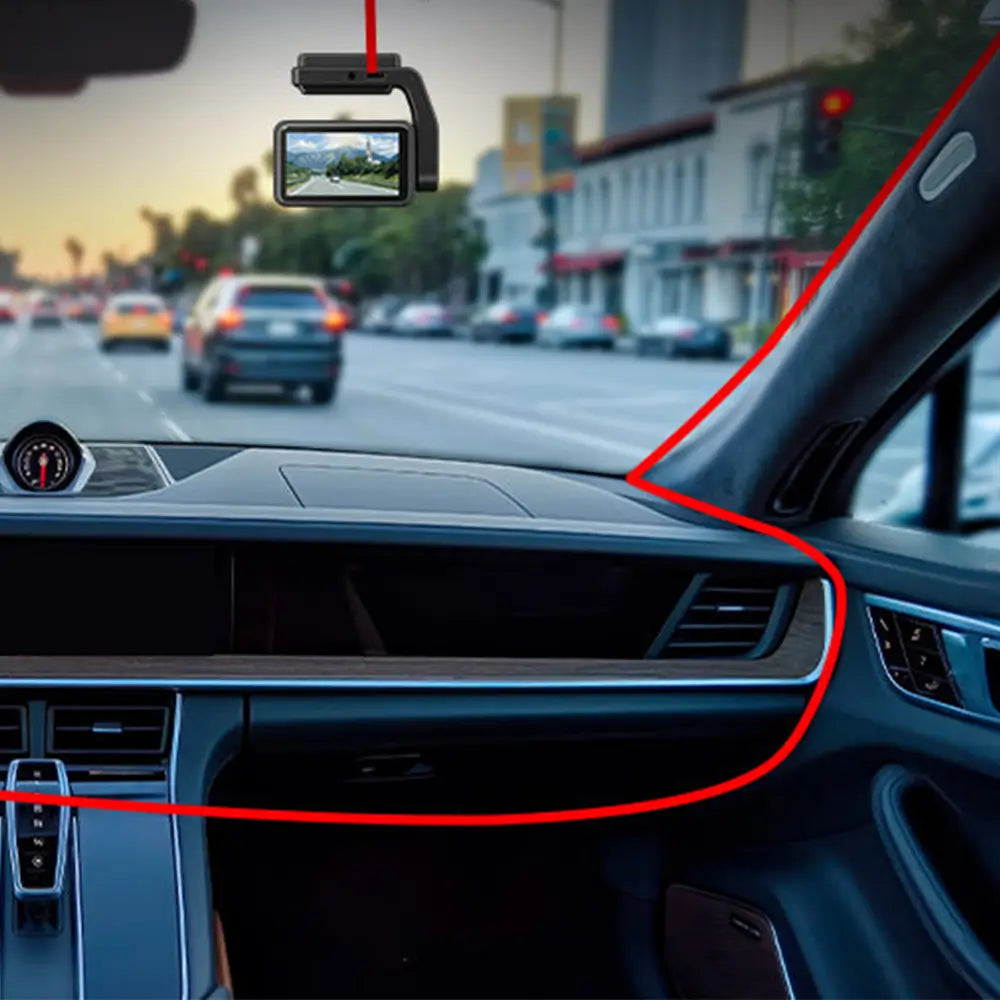
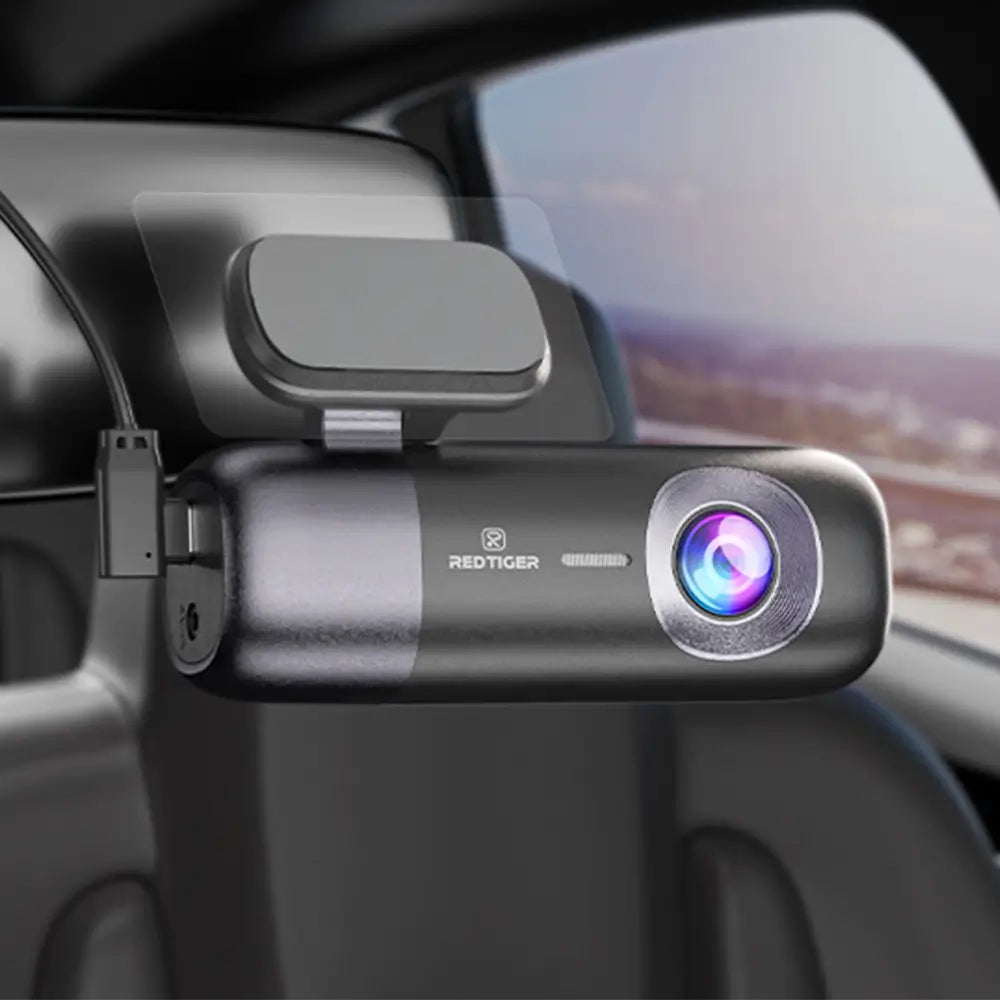
We recommend installing the front camera on the passenger side, approximately three-quarters of the way up the windshield.
This placement avoids obstructing or interfering with the driver's view, maximizing driving safety.
Additionally, the front camera offers two installation options: suction cup mounting and 3M adhesive mounting.
Suction cup mounting is more flexible, allowing you to adjust the position freely until you are satisfied.
On the other hand, 3M adhesive mouting is very secure but makes repositioning inconvenient, so please carefully consider before installation.
5. Consider Rear Camera: In-Car vs. Waterproof Rear Camera
Please consider whether you want to install the rear camera on the inside of the rear windshield, or above the license plate outside the car.
In general, installing the rear camera inside the car can meet basic recording needs and is easier to set up.
On the other hand, installing it above the license plate outside the car provides a wider view and better recording quality.
But it with a more complicated installation process, you may need to seek the help of a mechanic for professional installation.
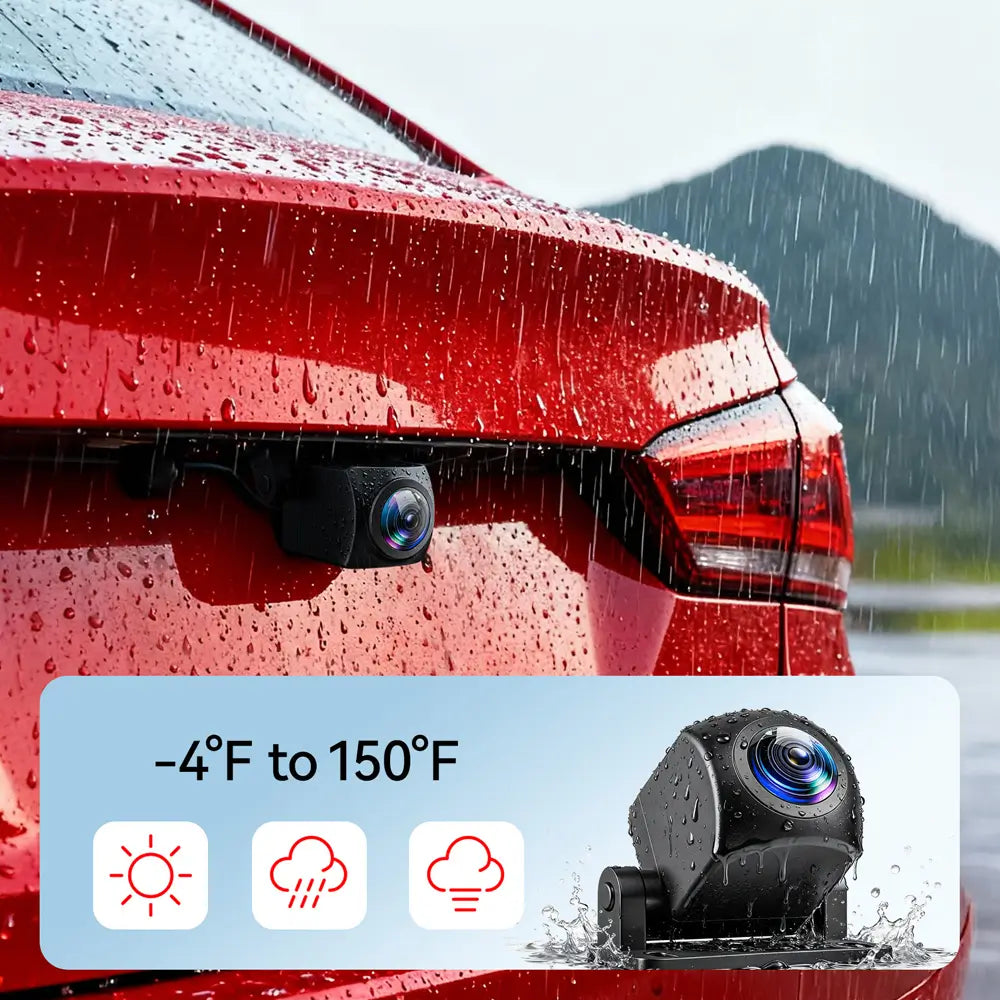
Please note whether the rear camera is waterproof. If an incar rear camera is installed outside the car, it is likely to be damaged after rain.
Frequently Asked Questions On Car Dash Cams
We have compiled some common questions when purchasing a dash cam.
Is It Worth Having A Dash Cam?
Yes, owning a dual front-and-rear dash cam is a very worthwhile investment, because it can record both the front and rear of your car.
If an accident occurs, you’ll have video evidence to prove it wasn’t your fault, and demand compensation from the other driver.
This will potentially saving you thousands of dollars. Additionally, it can protect your vehicle while parked without draining your car battery.
Does Dash Cam Only Work When Car Is On?
Yes, a dash cam can also work when the car is parked, after connect the hardwire kit to your vehicle's fuse box.
This allows dash cam to continue operating while parked. Meanwhile, hardwire kit have low-voltage protection features.
Dash cam will automatically shut off when the voltage drops below 11.8V to prevent draining your vehicle’s battery.
There’s an exception: if your car’s power remains active while parked, a Dash Cam connected via the cigarette lighter will continue working until the battery is drained, as it lacks low-voltage protection.
This is something you need to be aware of.
What Is Dash Cam WIFI Used For?
Dash Cams are typically equipped with a 2.4GHz or 5.8GHz Wi-Fi module, allowing you to wirelessly transfer videos stored on the Dash Cam to your smartphone.
You can easily share video clips with family and friends or upload them to platforms like TikTok.
For Dash Cams without Wi-Fi, you have to connect them to a computer or use a card reader to access the videos.
Does Dash Cam Record Audio?
Yes, dash cams usually record audio. You can toggle audio recording on or off in the settings menu --- "Audio."
In some U.S. states, recording audio may require the consent of passengers.
Does Dashcams Need To Be Professionally Installed?
It depends on your needs.
If you’re using a car charger and an in-car rear camera to connect the dash cam, you can easily install it by yourself or with help from a family member.
If you decide to use a hardwire kit or an external rear camera, professional installation is a good choice.
Professional installation ensures the dash cam’s parking monitor mode works properly, and protect your vehicle while parked.